EasyManua.ls Logo

DeFunc TRUE - User Manual

DeFunc TRUE
8 pages
Print Icon
To Next Page IconTo Next Page
Loading...
User Manual for defunc TRUE Wireless Stereo Bluetooth Earbuds + Power bank
Thank you for choosing defunc TRUE Wireless stereo Bluetooth earbuds with Power
bank, this manual will help you know how to use your Bluetooth earbuds, before
using Bluetooth headset, you should know and familiar with the Bluetooth functions
of your mobile phone.
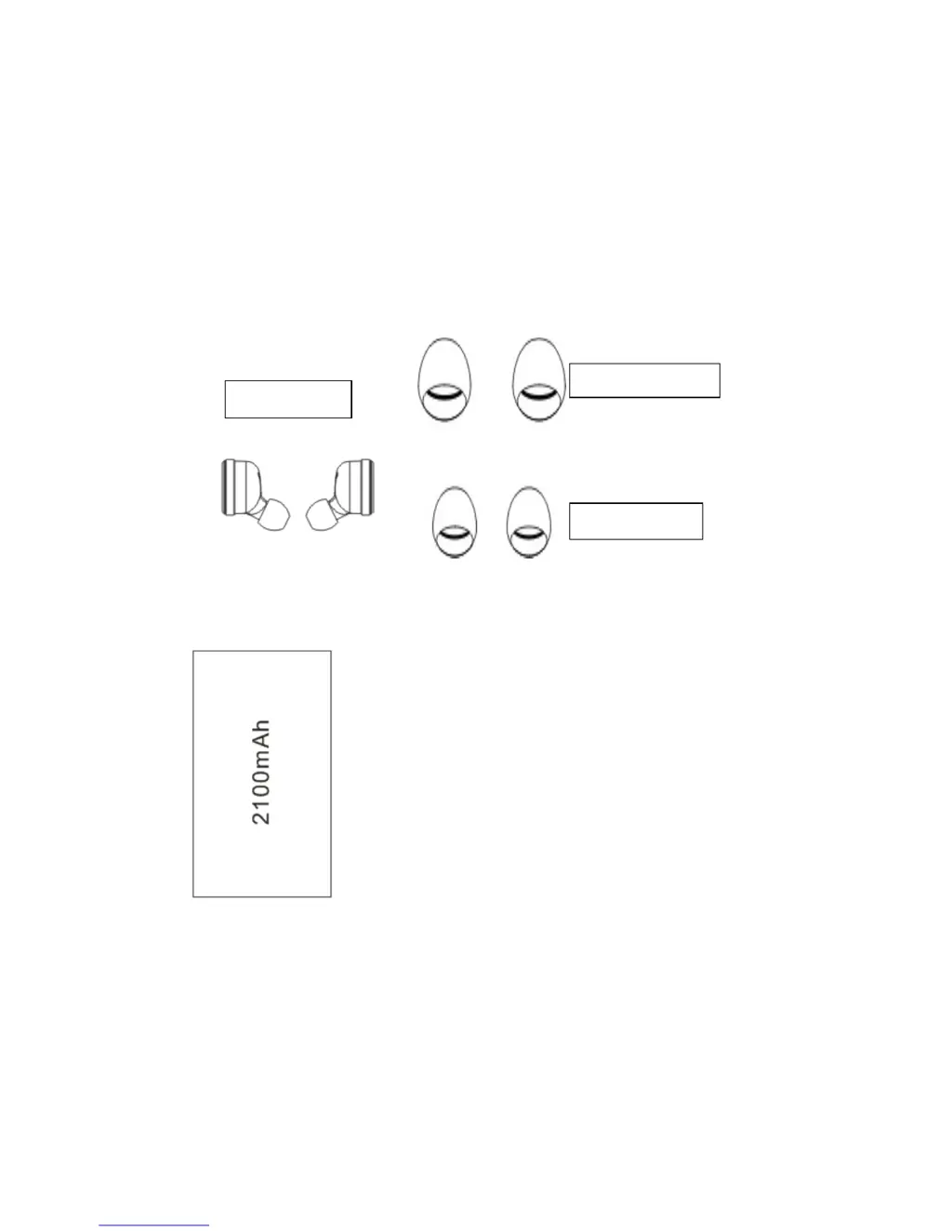
Accessories List
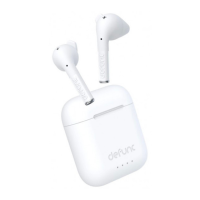
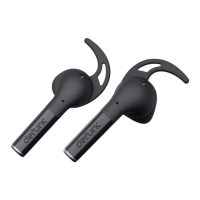
Left(L) Right(R) ear-cap
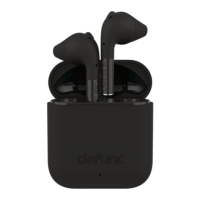
Power bank
medium
small
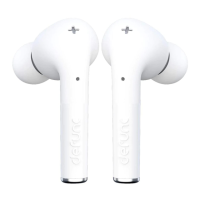
earbuds

Questions and Answers

  • L
    Larry ChavezJul 27, 2025
    Why is the sound so low on my DeFunc TRUE Wireless Headphones?
    • M
      Mr. Mark RobinsonJul 27, 2025
      If the sound from your DeFunc Wireless Headphones is low, first ensure that the earbuds are correctly positioned in your ears. If the position is correct, increase the volume on your connected device.
  • A
    alexandrawilliamsJul 31, 2025
    What to do if the signal is intermittent on my DeFunc Wireless Headphones?
    • R
      Richard CooperJul 31, 2025
      If your DeFunc Wireless Headphones' signal is intermittent, it might be due to environmental interference or excessive distance from your phone. Try moving to an area with less interference or get closer to your mobile phone.
  • S
    samuel02Aug 4, 2025
    Why are my DeFunc TRUE so noisy?
    • K
      Kevin EvansAug 4, 2025
      If your DeFunc Wireless Headphones are noisy, it could be due to a poor external environment or being too far from your phone. Try changing your location or moving closer to your mobile phone.
  • L
    lopezrebeccaAug 8, 2025
    Why does my DeFunc Wireless Headphones earbud have an echo?
    • S
      Stephanie HarrisonAug 8, 2025
      If your DeFunc Wireless Headphones have an echo, the volume might be too high, or the environment might be too noisy. Try adjusting the volume or changing to a quieter environment.
  • M
    Mary GordonAug 12, 2025
    What to do if my DeFunc TRUE Wireless Headphones automatically shutdown?
    • S
      Sheryl LozanoAug 12, 2025
      If your DeFunc Wireless Headphones automatically shut down, it is likely because the earbuds have low power. You should charge the earbuds.
  • S
    Sandra HernandezAug 17, 2025
    How to fix DeFunc TRUE Wireless Headphones that can't power on?
    • C
      Chris SmithAug 17, 2025
      If your DeFunc Wireless Headphones can't power on, the earbuds probably have low power. Charge the earbuds to resolve this issue.
  • S
    Sandra Bates MDAug 21, 2025
    What does it mean if the red light keeps flashing on my DeFunc TRUE?
    • S
      sfreemanAug 21, 2025
      If the red light on your DeFunc Wireless Headphones keeps flashing, it indicates that the earbuds have low power. You should charge the earbuds.

Summary

Product Introduction and Accessories

Accessories List

Lists all the included accessories with the defunc TRUE wireless stereo Bluetooth earbuds.

Product Diagram

Device Specifications and Setup

Parameters

Details Bluetooth version, battery capacity, voltage, and frequency specifications.

Wearing Guide

Guidance on selecting ear-caps for sound quality and optimal phone placement.

Bluetooth Setup Guide

Step-by-step instructions for pairing earbuds with a mobile device via Bluetooth.

Charging and Usage Instructions

Charging Instruction

Explains how to charge the power bank using a USB cable and indicator lights.

Earbuds Battery Display

Illustrates LED indicators for earbuds battery status and charging.

Power Bank Function

Describes how to use the power bank to charge your device.

Function List

Details call handling and music playback controls for earbuds.

Troubleshooting and Safety

Troubleshooting Guide

Provides solutions for common faults like no power, connectivity issues, and sound problems.

Important Warnings

Advises on temperature, weather, and disassembly to prevent malfunction and ensure safety.

FCC Compliance Information

Details FCC regulations, user cautions, and interference correction measures.

DeFunc TRUE Specifications

General IconGeneral
Bluetooth version5.0
Battery life8 hours
Water resistanceIPX4
MicrophoneYes
Frequency Response20Hz-20kHz
Charging Time1.5 hours

Related product manuals