Previous track: While listening to music, press the left earbud for
2 seconds to play previous song.
Volume increase: Click once on the right earbud. Wait 1 second
between each touch if you want to increase the volume.
Volume decrease: Click once on the left earbud. Wait 1 second
between each touch if you want to decrease the volume.
Answer/end phonecall: Double-click either the left or right earbud to
answer or end the phone call.
Reject call: Press either the left or right earbuds for 2 seconds to
reject the call.
Voice assistant: Triple-click on the left earbud to activate the voice
assisstant on your phone and triple-click on the left earbud again to
end it.
CHARGE THE EARBUDS
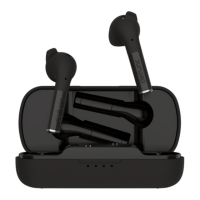
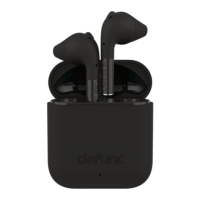
Put the earbuds in the charging case and close the cap. Make sure that
the charging case has battery life.
CHARGE THE CASE
Plug the USB-C charging cable with the USB-C port on the charging case.
Plug the other end of the cable into a power source.
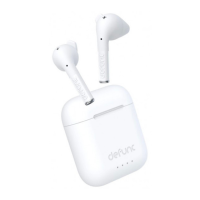
Charging: Blue lights flashing
Battery status: Each light equals 25% battery life
Case and earbuds can be charged simultaneously.
7


 To Next Page