34 / /48 EN
Operating the product
C
With the Half Load function you
can save both water and power
while using the lower and upper
baskets of the machine.
TurboWash Function
This function operates the lower impeller
with a higher pressure and higher speed to
enable a better washing for dishes such as
pans and trays with stubborn, dried soiling.
Extra Drying Function
(depends on the model)
It provides superior drying performance.
Fast+ Function
(depends on the model)
It shortens the time of the washing cycle
selected and decreases water consumption
by enabling washing under higher pressure.
Functions in Settings Menu
(depends on the model)
Under the settings menu of your product,
there are some additional functions that
depend on the model.
To access these functions, press and hold
the Menu key for 3 seconds. Press <- and
+> keys to move to the desired function or
setting.
C
In some models pressing the
Menu key only for once will
allow you to enter the Settings
menu.
Use the selection key to change the desired
function or setting and switch off your
machine to save the Settings.
Submenu Functions:
(depends on the model)
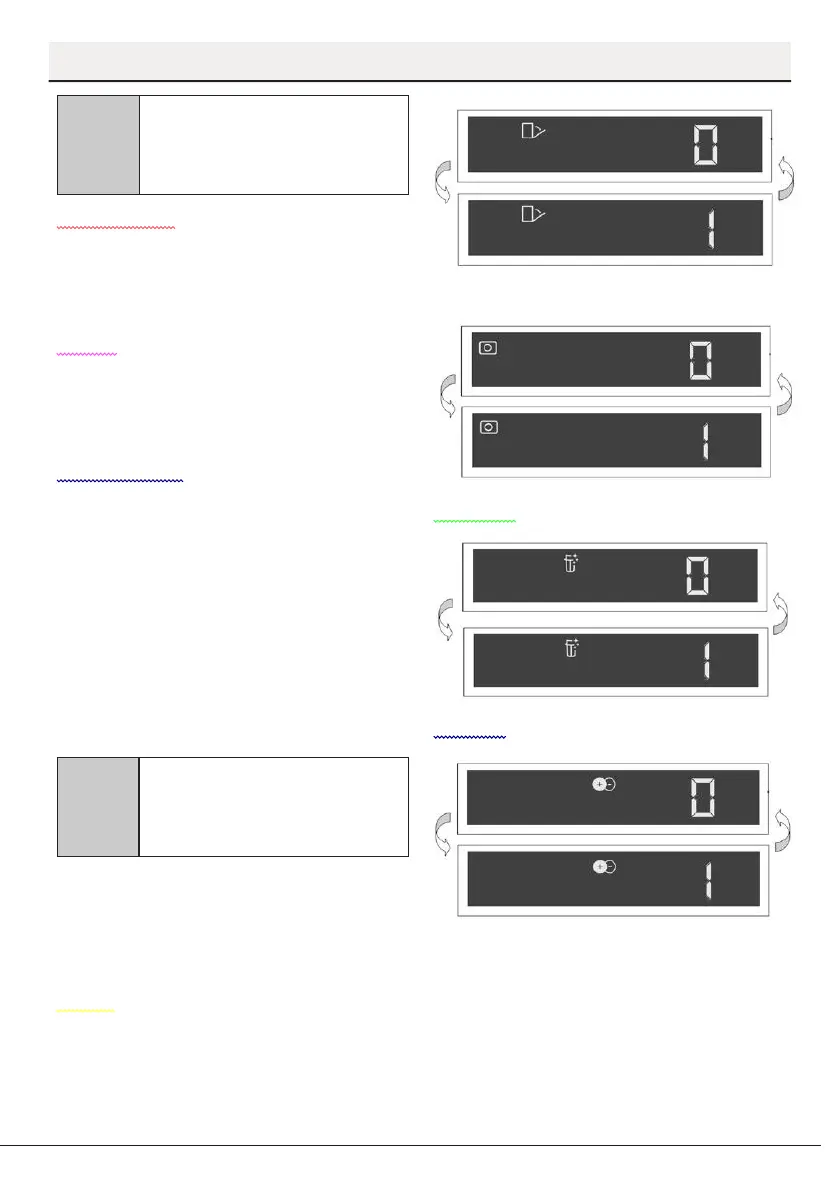
SelfDry Function Off/On
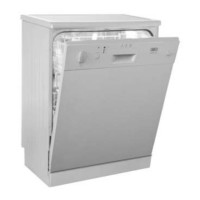
Tablet Detergent Function Off/On
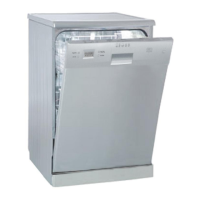
EverClean Function Off/On
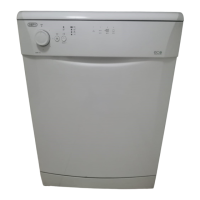
IonGuard Function Off/On



 To Next Page