17
©
1999 Directed Electronics, Inc.
QUICK REFERENCE GUIDE
To use the Valet
®
Car★Com
™
from a touch-tone phone:
1. Call 1-800-705-8766, or 1-619-503-4801 from a pay phone.
2. Enter your PIN number followed by the pound (#) key.
3. Enter your four-digit security code followed by the pound (#) key.
4. Enter the command number of the desired operation.
Using the Valet
®
Car★Com
™
with a DEI compatible system:
■ The following command operations are available when the Valet
®
Car★Com
™
is used with a compatible DEI security or remote start system:
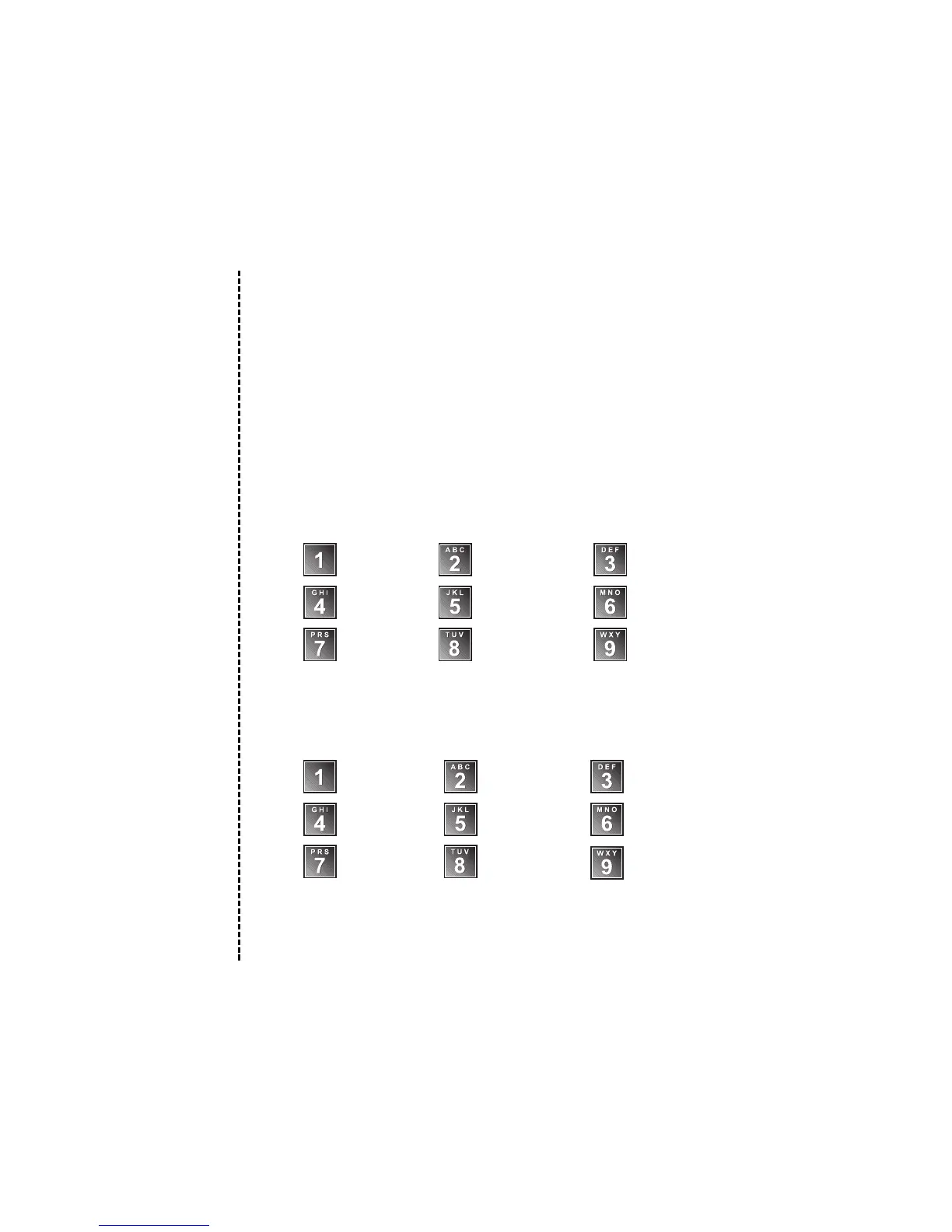
Arm/Lock Disarm/Unlock Panic Mode
Activates VRS Valet
®
Mode ON/OFF Channel 2
Channel 3 Channel 4 Channel 5
Using the Valet
®
Car★Com
™
without a DEI compatible system:
■ The following command operations are available when the Valet
®
Car★Com
™
is used without a DEI security or remote start system:
No
Function
Channel 4Channel 3
Channel 2
Disables
Starter Kill
Anti-Carjacking
Sequence
Panic
Sequence
Unlocks Doors/
Starter Kill OFF
Locks Doors/
Starter Kill ON
PIN Number
Cut along dotted line and fold for a quick and easy reference to keep in your purse or wallet.
✂✂
✂✂



 To Next Page