For any help or questions please contact
Email: helpdesk@delft.care
Mobile: +233 50 1447498
WhatsApp: +233 263710055
Website: www.delft.care
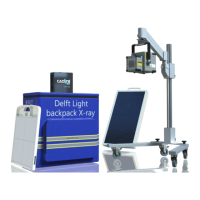
7 You should now be able to see the CAD4TB platform:
8 Check the CAD4TB quick reference manual to learn more
about how to operate CAD4TB
5 Power up the tablet. If it is not done automatically please
connect to CAD4TBBOX Wi-Fi network:
Network name: CAD4TBBOX
Password: CAD4TBOX$
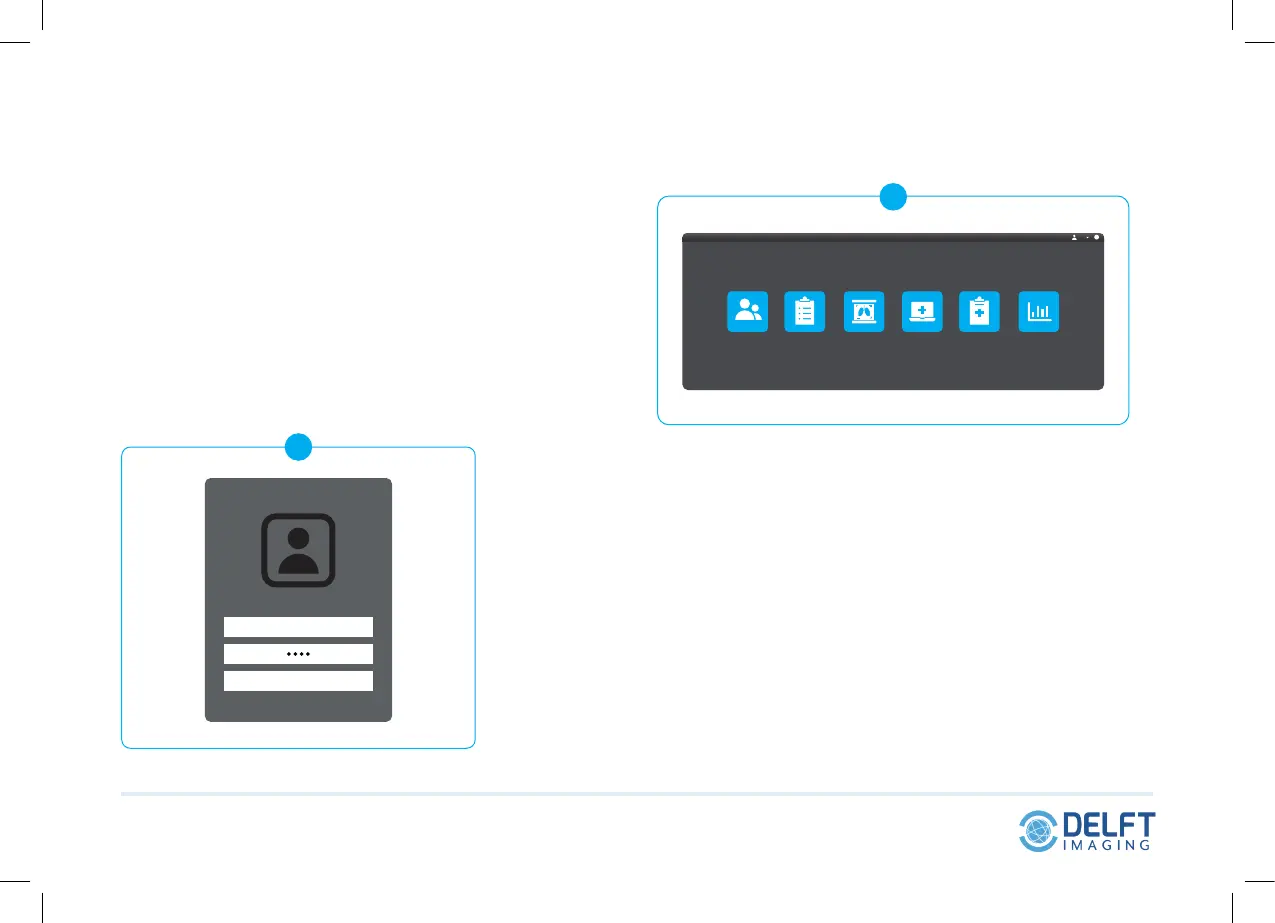
6 On the tablet, find the pre-installed Thirona Box shortcut
and log in:
Administrator: user@cad4tb.care
Password: user
Global knowledge Local impact
6
Log in
user@cad4tb.care
7
User
?


 To Previous Page