46 Using Your Projector
4
To delete the password, select
Delete.
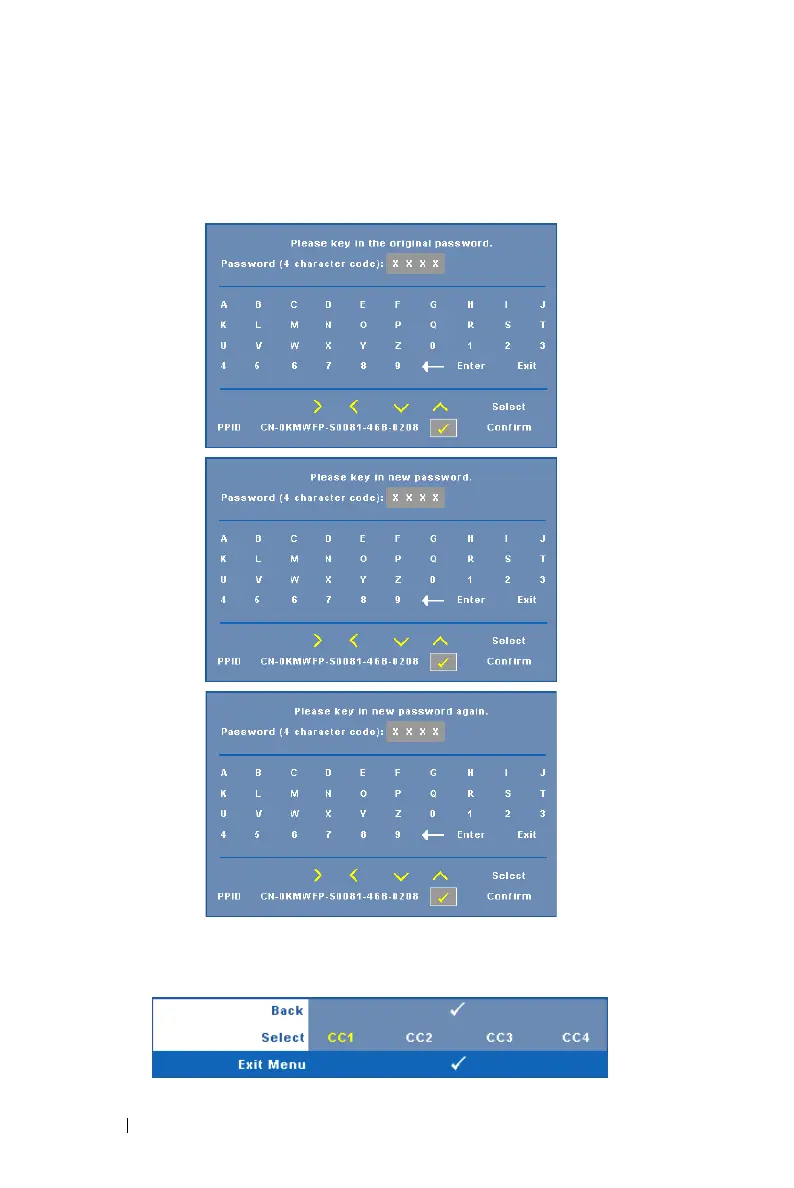
CHANGE PASSWORD—Key in the original password, then enter the new
password and confirm the new password again.
CLOSED CAPTION—Select On to enable close caption and activate the closed
caption menu. Select an appropriate closed captions option: CC1, CC2, CC3, and
CC4.



 To Next Page