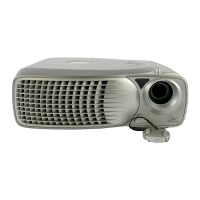
Using Your Projector: Dell 2300MP Projector
file:///C|/Venkat%20Shared/Projectors/2300MP/EN/usage.htm[11/30/2012 2:18:57 PM]
Back to Contents Page
Using Your Projector: Dell™ 2300MP Projector
Control Panel
Remote Control
On-Screen Display
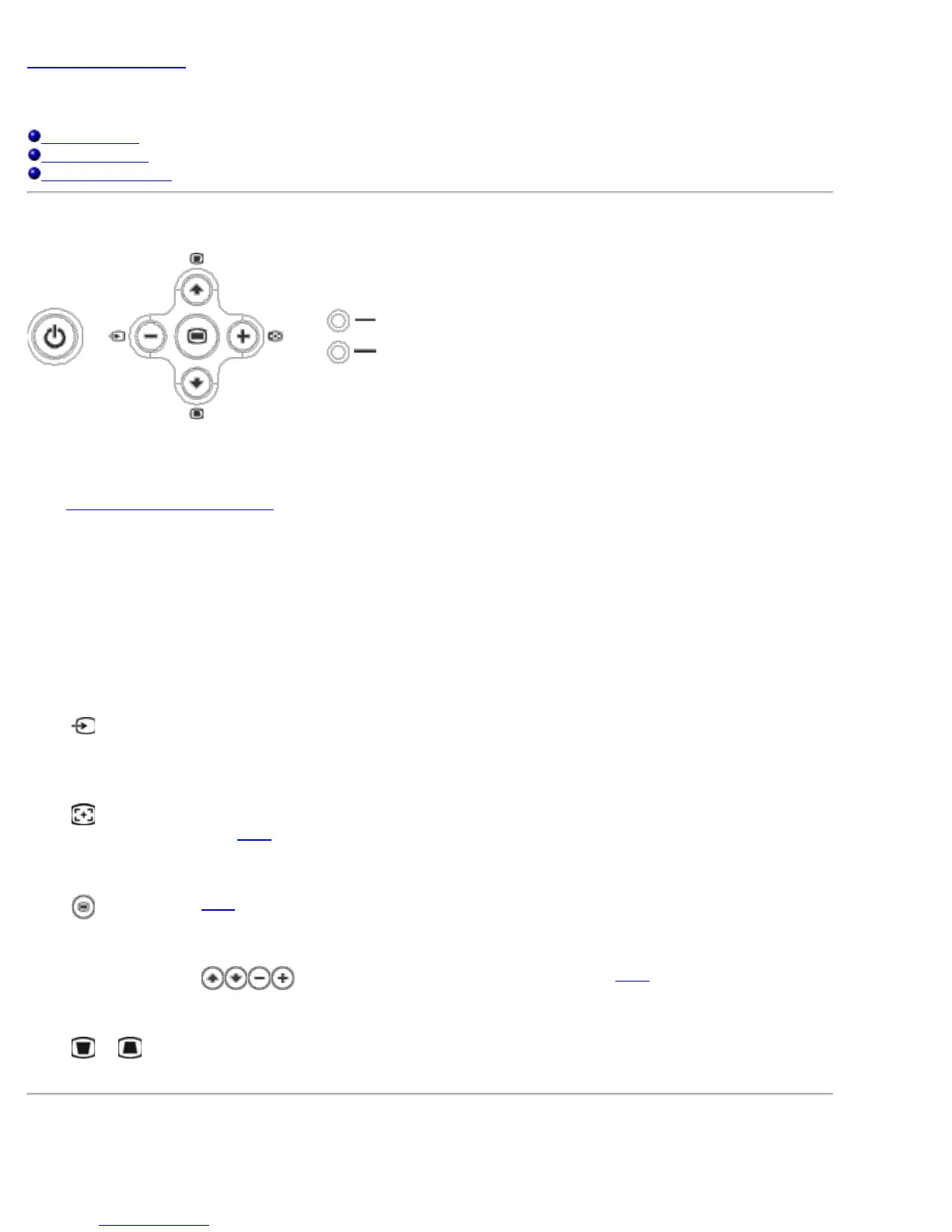
Control Panel
Power
See "Powering On/Off the Projector
."
Volume
Increase or decrease the speaker volume.
Video Mode
Switch the display mode within PC Mode, Movie Mode, Game Mode, sRGB Mode, User Mode per your preference.
Source
Press
to step through Analog RGB, Composite, Component-i, S-video, and Analog YPbPr sources when multiple
sources are connected to the projector.
Resync
Press
to synchronize the projector to the input source.
Resync will not operate if the OSD
(On-Screen Display) is displayed.
Menu
Press
to activate the OSD. Use the directional keys and Menu button to navigate through the OSD.
Four Directional Keys
The four directional keys
can be used to toggle through the tabs in the OSD.
Keystone Adjustment
Press
or button to adjust image distortion caused by tilting the projector. (±16 degrees)
Remote Control



 To Next Page