Using Your Projector: Dell 2300MP Projector
file:///C|/Venkat%20Shared/Projectors/2300MP/EN/usage.htm[11/30/2012 2:18:57 PM]
Setting 10 will maximize the brightness.
Setting 0 will maximize color reproduction quality.
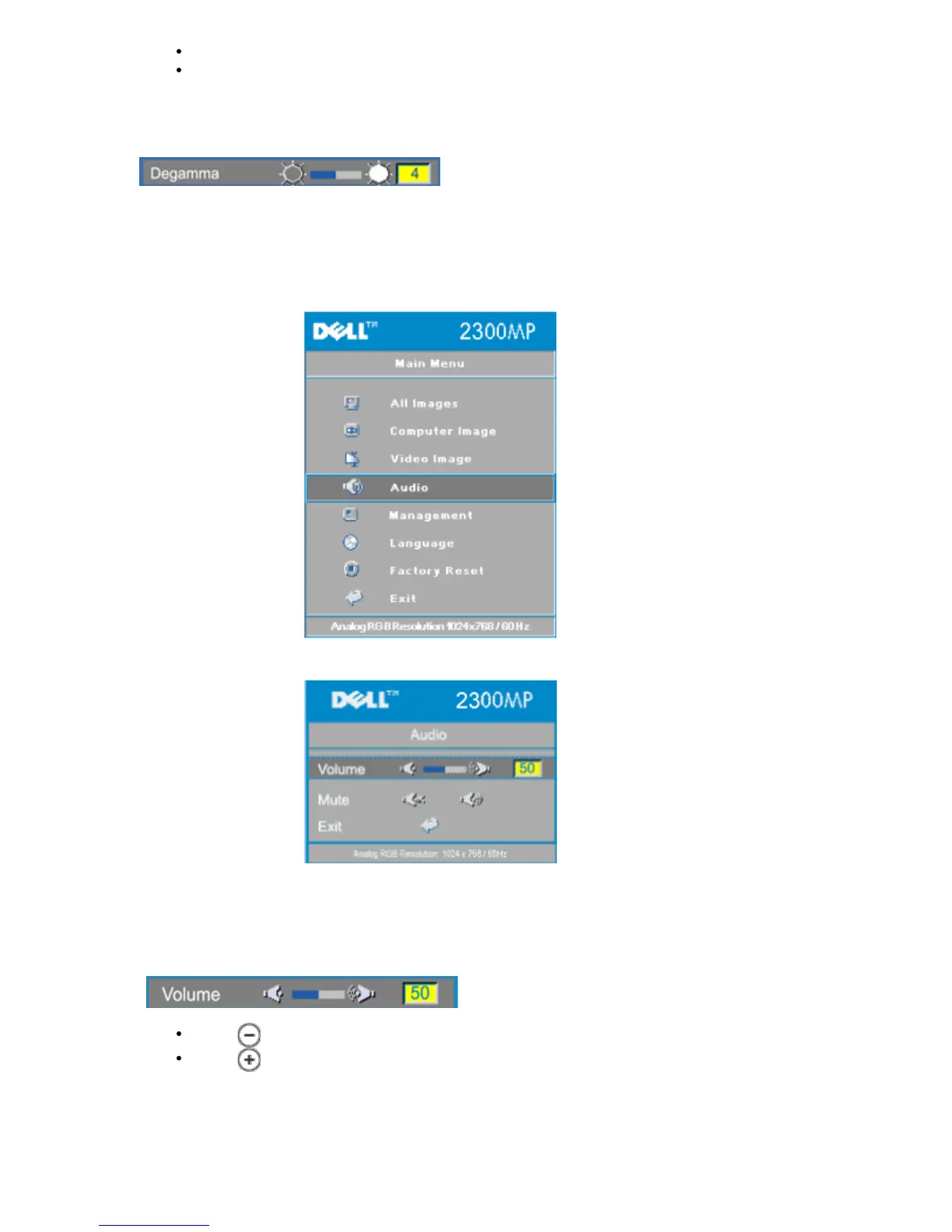
Degamma
Degamma can be adjusted between 1 and 4. Default setting is 3 (Recommended).
Adjustment of the setting will change the color performance of the display.
Audio Menu
Audio
Volume
Press to decrease the volume.
Press to increase the volume.
Mute



 To Next Page