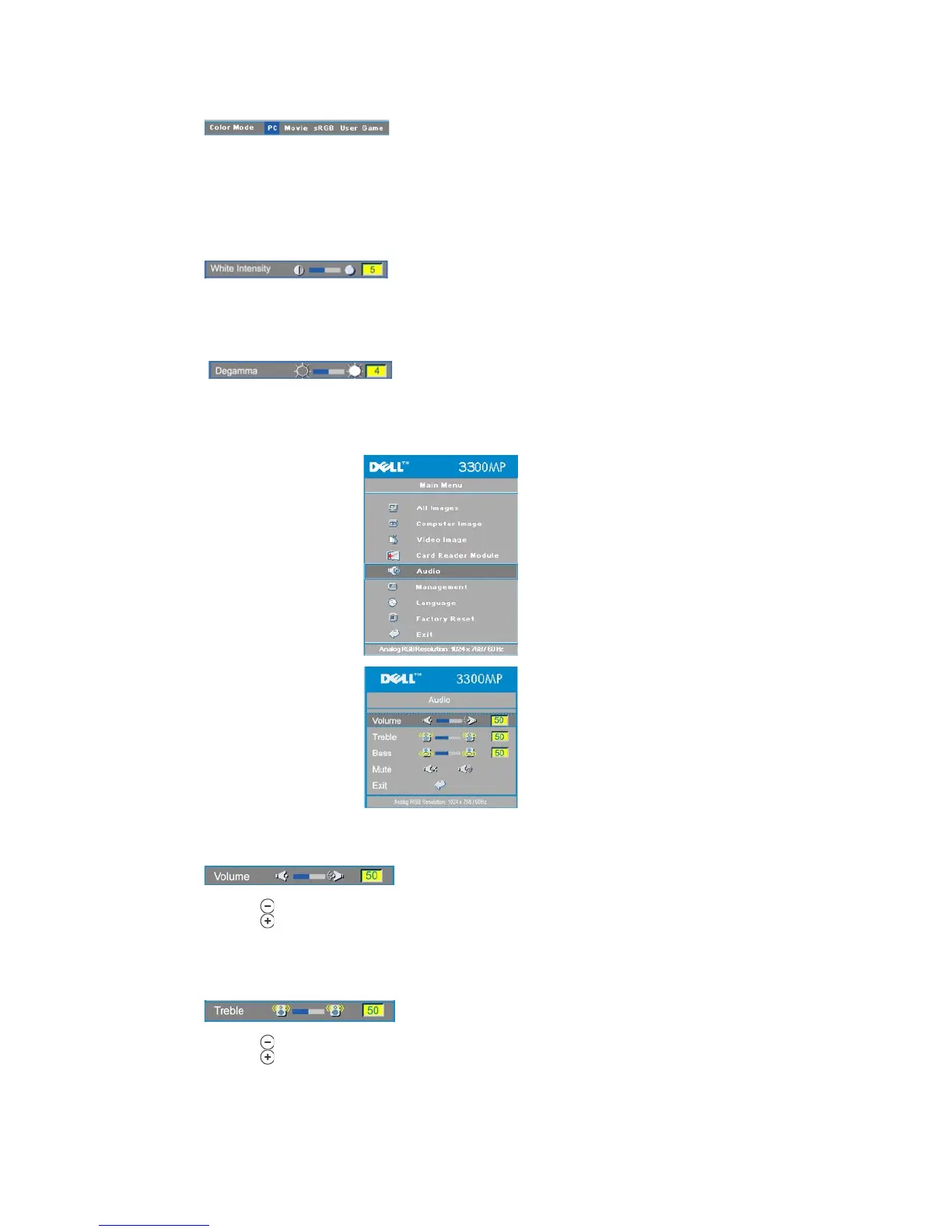
Select this function to optimize the display image for home use (Movie Mode or Game Mode), conference use (PC
Mode) or as user preferable settings (User Mode), or use sRGB mode for more accurate color representation. When an
icon is selected, the color of the icon will change to dark blue. Adjusting the settings of White Intensity or Degamma tab,
will select User Mode automatically.
White Intensity can be adjusted between 0 and 10.
l Setting 10 will maximize the brightness.
l Setting 0 will maximize color reproduction quality.
Degamma can be adjusted between 1 and 4. Default setting is 3 (Recommended). Adjustment of the setting will change
the color performance of the display.
l Press to decrease the volume.
l Press to increase the volume.
Control the higher frequencies of your audio source.
l Press to decrease the treble.
l Press to increase the treble.



 To Next Page