Overview
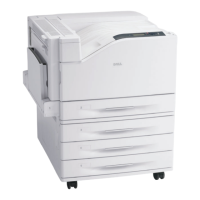
Dell 7130cdn Professional Color Printer
System Administrator Guide
11
Using a Windows Printer Driver
To access Online Diagnostics Technical Support from your printer driver:
1. Select Start, and then select Printer and Faxes.
2. Right-click the printer name, and then select Printing Preferences.
3. Click the Advanced tab.
4. Click the Dell Web Links button.
5. Select the Online Diagnostics Technical Support link.
6. Follow the instructions on the screen.


 To Next Page