Network Administration Features
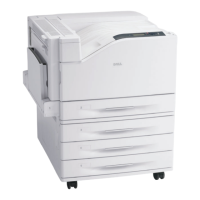
Dell 7130cdn Professional Color Printer
System Administrator Guide
24
To Enable or Disable Job Accounting
1. Launch your Web browser.
2. Type the printer’s IP address in the browser Address field. For details, see Finding the
Printer’s IP Address on page 13.
3. Click the Properties tab.
4. On the left navigation pane, select Security.
5. On the left navigation pane under Security, select Printing Security Settings.
6. In the Job Accounting Record field, enabled is checked by default. To disable all job
accounting, uncheck the enabled check box.
7. Click the Save Changes button.


 To Next Page