3 U.2 solid-state drive
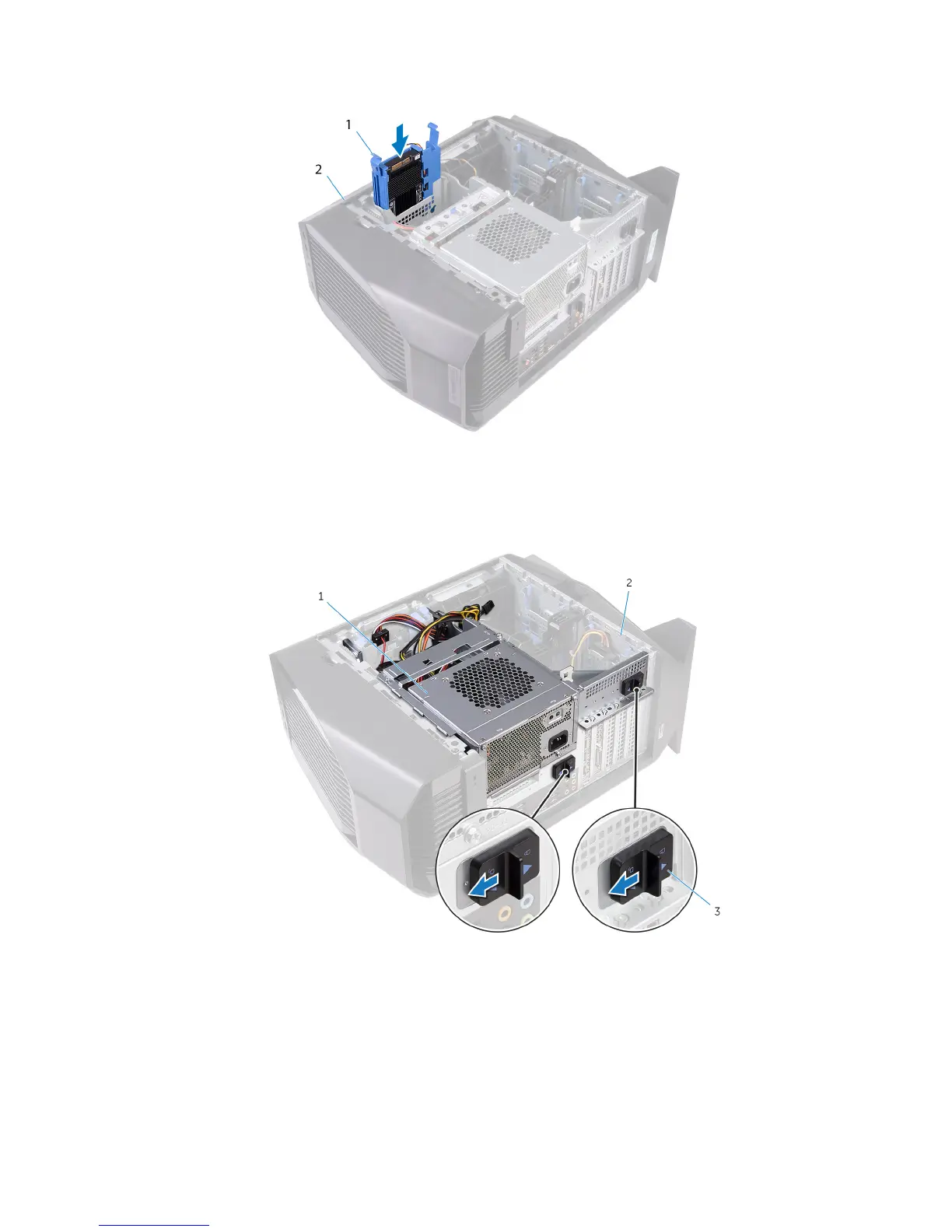
8 Slide the U.2 solid-state drive assembly into the hard-drive cage until it snaps into place.
Figure 4. U.2 solid-state drive assembly
1
solid-state drive assembly 2 chassis
9 Slide the power-supply unit cage release latches towards the unlock position.
Figure 5. Sliding the power-supply unit cage release latches
1
power-supply unit 2 chassis
3 power-supply unit cage release cage latches (2)
10 Lift the power-supply unit cage while pressing and holding the graphics-card bracket.
8
Installing the U.2 solid-state drive










 To Next Page