Normal operation Active Active Active Blue 28 W (Maximum)
19 W(Typical)
Active-Off mode Inactive Inactive Blank Amber Less than 0.5 W
Switch Off - - - Off Less than 0.5 W
E2313H:
VESA Modes Horizontal Sync Vertical Sync Video Power Indicator Power Consumption
Normal operation Active Active Active Blue 30 W (Maximum)
24 W(Typical)
Active-Off mode Inactive Inactive Blank Amber Less than 0.5 W
Switch Off - - - Off Less than 0.5 W
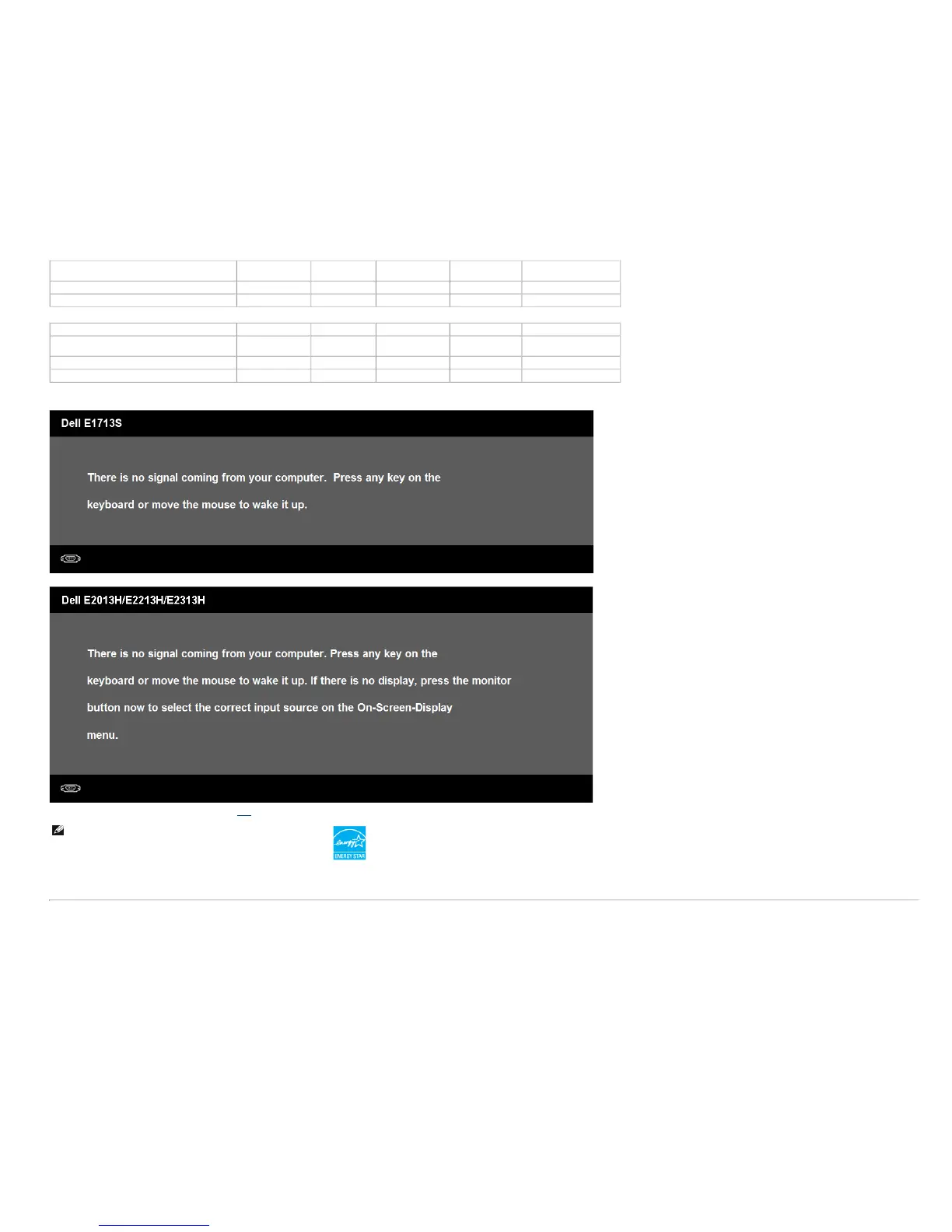
The OSD will only function in the normal operation mode. When any button except power button is pressed in Active-Off mode, the following messages will be displayed:
Activate the computer and monitor to gain access to the OSD.
NOTE: Dell E2013H/E2213H/E2313H monitor is ENERGY STAR®-
compliance.
* Zero power consumption in Off mode can only be achieved by disconnecting the main cable from the monitor.
** Maximum power consumption with max luminance and contrast.
Pin Assignments
15-pin D-Sub connector



 To Next Page