17" LCD Color Monitor Dell E177FPc
51
10. ISP Instruction
Configure and procedure
It is a windows-based program, which cannot be run in MS-DOS.
System and equipment requirements
(1). An i486 (or above) personal computer or computer or compatible.
(2). Microsoft operation system Window 95/98/2000/XP.
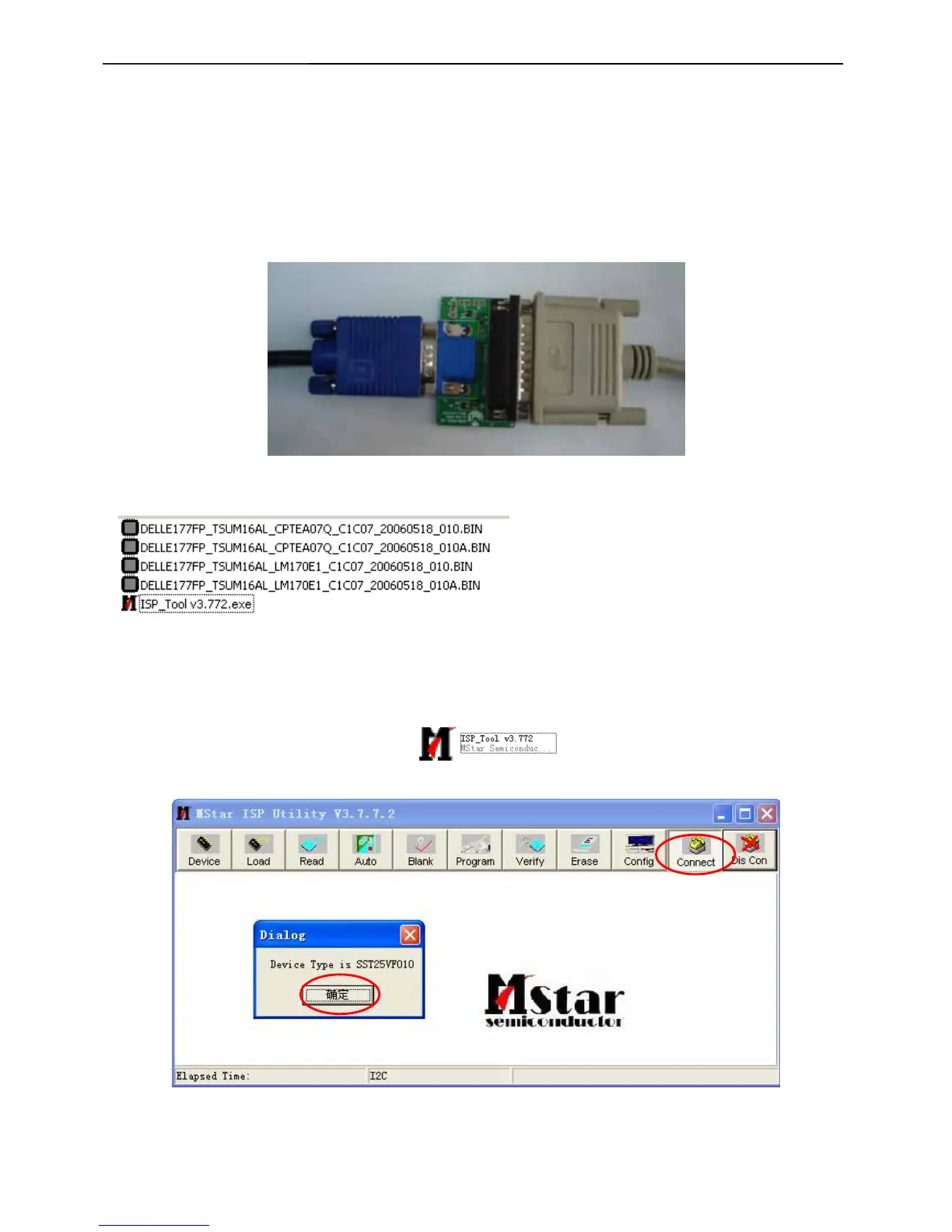
(3). ISP Tool: ISP board/printer cable/VGA cable as shown in Fig.1
Fig.1
(4). ISP software checklist
(5). Update the firmware
Step 1: Double click the ISP_Tool v3.772.exe icon and click Connect, bring up Fig.2
Fig.2
Connect to PC LPT
Link to Dell
VGA connector



 To Next Page