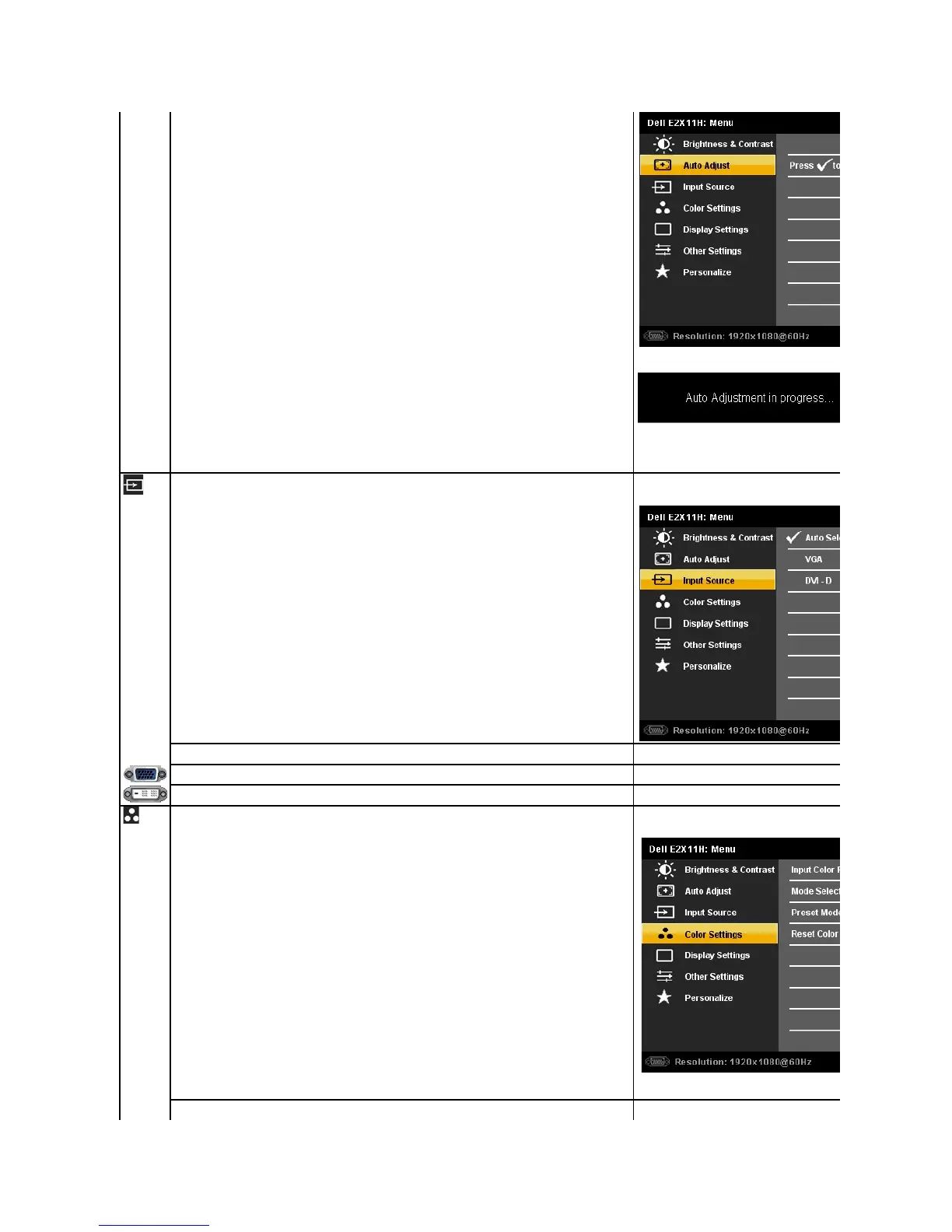
The following dialog appears on a black screen as the monitor automatically adjusts to the current input:
Inmostcases,AutoAdjustproducesthebestimageforyourconfiguration.
AUTO ADJUST option is only available when you are using the analog (VGA) connector.
Use the INPUT SOURCE menu to select between different video signals that may be connected to your monitor.
Select Auto Select to scan for available input signals.
Select VGA input when you are using the analog (VGA) connector. Press
D input when you are using the Digital (DVI) connector. Press
Use the Color Settings to adjust the color setting mode and color temperature.
There are different color setting sub-
Allows you to set the video input mode to.



 To Next Page