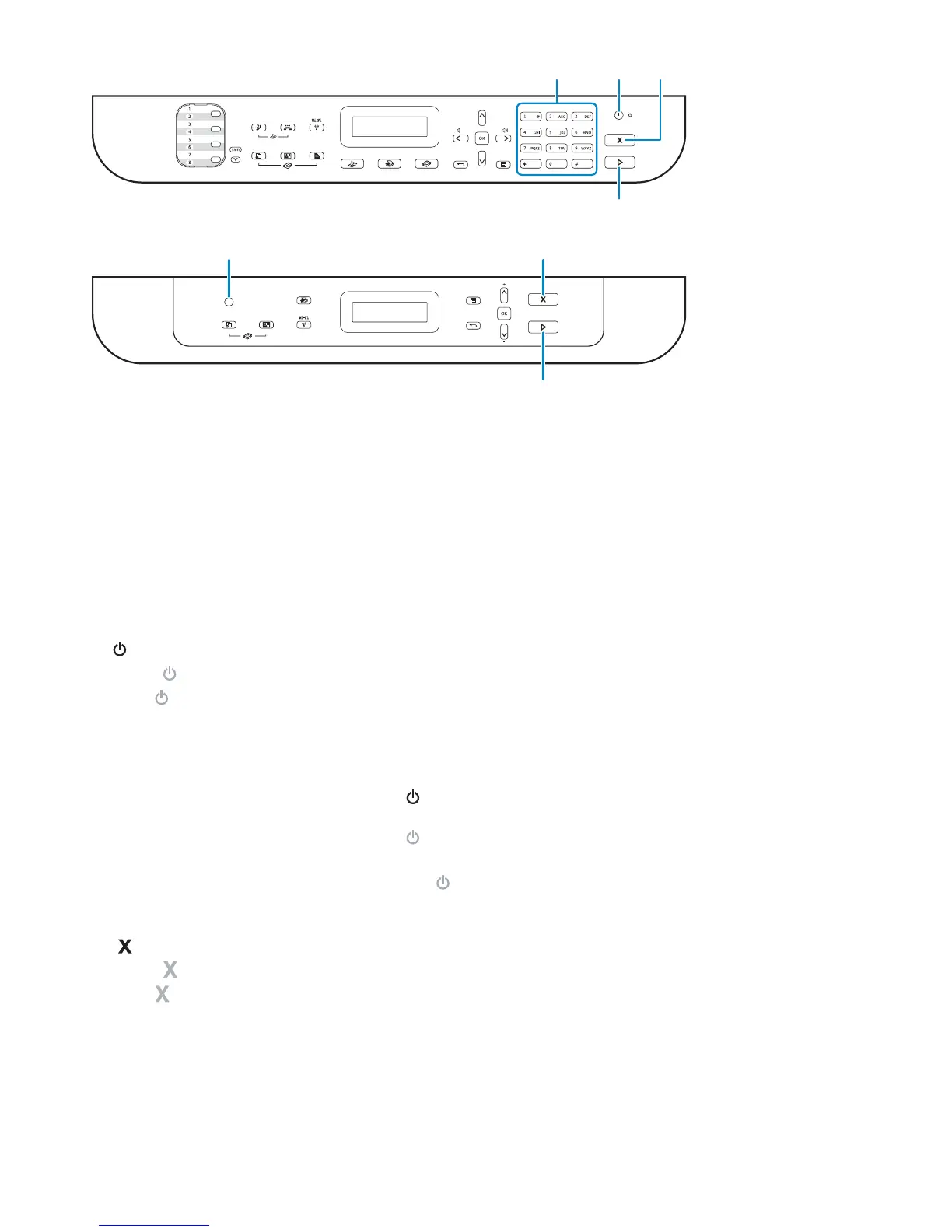
22
8 Dial Pad (Dell Multifunction Printer | E515dn and Dell Multifunction Printer | E515dw only)
Cadran (Dell Multifunction Printer | E515dn et Dell Multifunction Printer | E515dw uniquement)
Teclado de marcación (solo Dell Multifunction Printer | E515dn y Dell Multifunction Printer | E515dw)
Dials fax and telephone numbers.
Permet de composer des numéros de fax et de téléphone.
Marca números de fax y de teléfono.
Use this as a keyboard to enter text or characters.
Utilisez-le comme clavier pour saisir du texte ou des caractères.
Utilícelo como teclado para introducir texto o caracteres.
9 (Power On/Off) button
Bouton (Marche/Arrêt)
Botón (encendido/apagado)
Turns on the printer.
Permet d'allumer l'imprimante.
Enciende la impresora.
Turn off the printer by pressing and holding the (Power On/Off) button. The LCD displays
Shutting Down
for a few
seconds to turn off.
Éteignez l'imprimante en maintenant le bouton (Marche/Arrêt) enfoncé. L'écran LCD affiche
Arrêt en cours
pendant
quelques secondes avant de s'éteindre.
Apague la impresora manteniendo pulsado el botón (encendido/apagado). La pantalla LCD muestra el mensaje
Shutting Down
(Apagando) durante unos segundos antes de apagarse.
10 (Cancel) button
Bouton (Annuler)
Botón
(Cancelar)
Stops an operation.
Permet d'arrêter une opération.
Detiene una operación.
Exits from a menu.
Permet de quitter un menu.
Sale de un menú.










 To Next Page