EasyManua.ls Logo

Dell G2210 - Page 24

Dell G2210
34 pages
Print Icon
To Next Page IconTo Next Page
To Previous Page IconTo Previous Page
Loading...

LCD
Conditioning
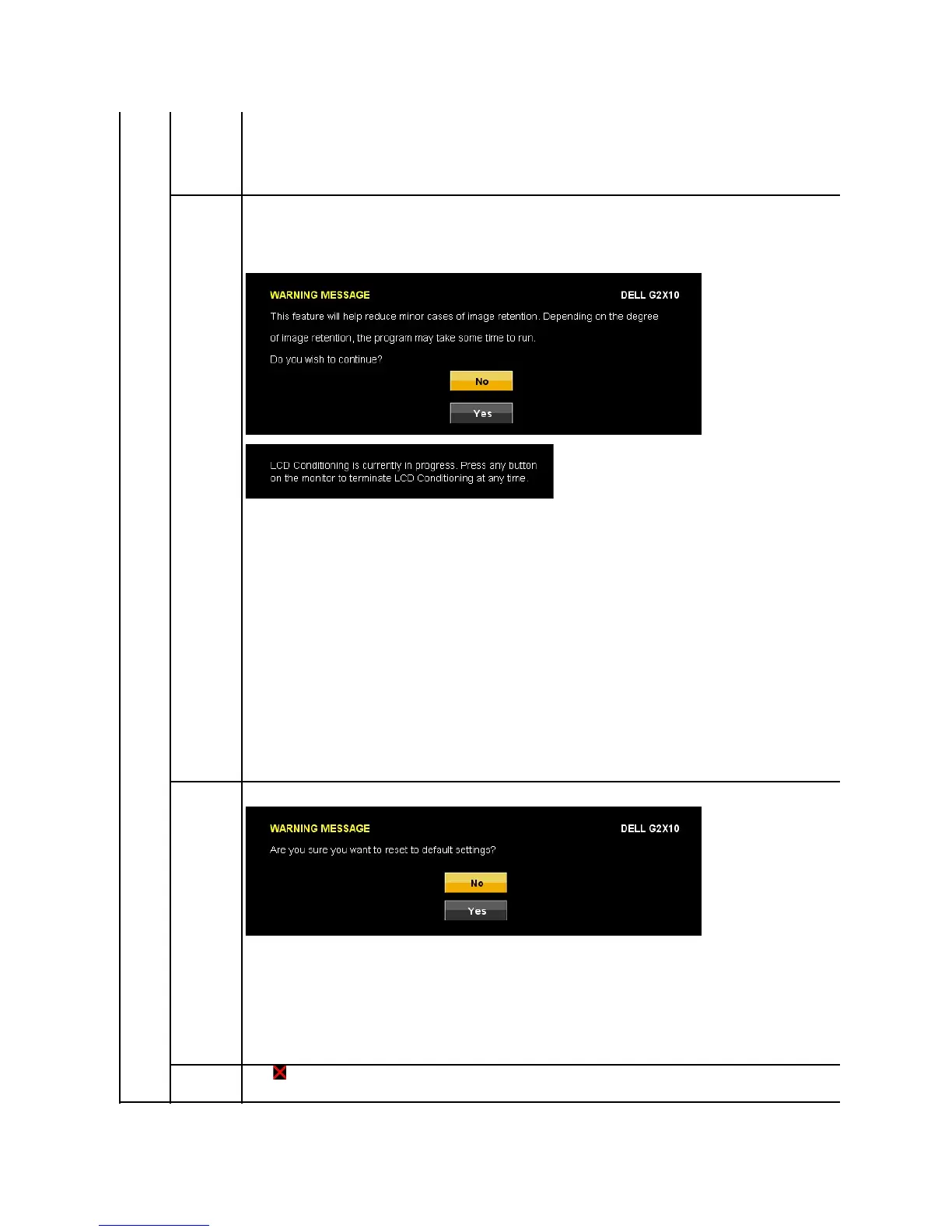
This feature will help reduce minor cases of image retention.
If an image appears to be stuck on the monitor, select LCD Conditioning
to help eliminate any image retention. Using the LCD Conditioning feature may take
sometime.LCDConditioningfeaturecannotremoveseverecasesofimageretentionorburn-in.
The below warning message appears once user selects Enable" LCD Conditioning.
NOTE: Use LCD Conditioning only when you experience a problem with image retention.
NOTE: Press any button on the monitor to terminate LCD Conditioning at any time.

Factory Rese
t
ResetallOSDsettingstothefactorypresetvalues.
Exit Menu
Press to exit the OSD main menu.

Other manuals for Dell G2210

Related product manuals