About Your Device 16
www.dell.com | support.dell.com
Performing a Reset
If your device stops responding, perform a reset.
NOTICE: Files or tracks that are being transferred may be lost but other data is
normally retained.
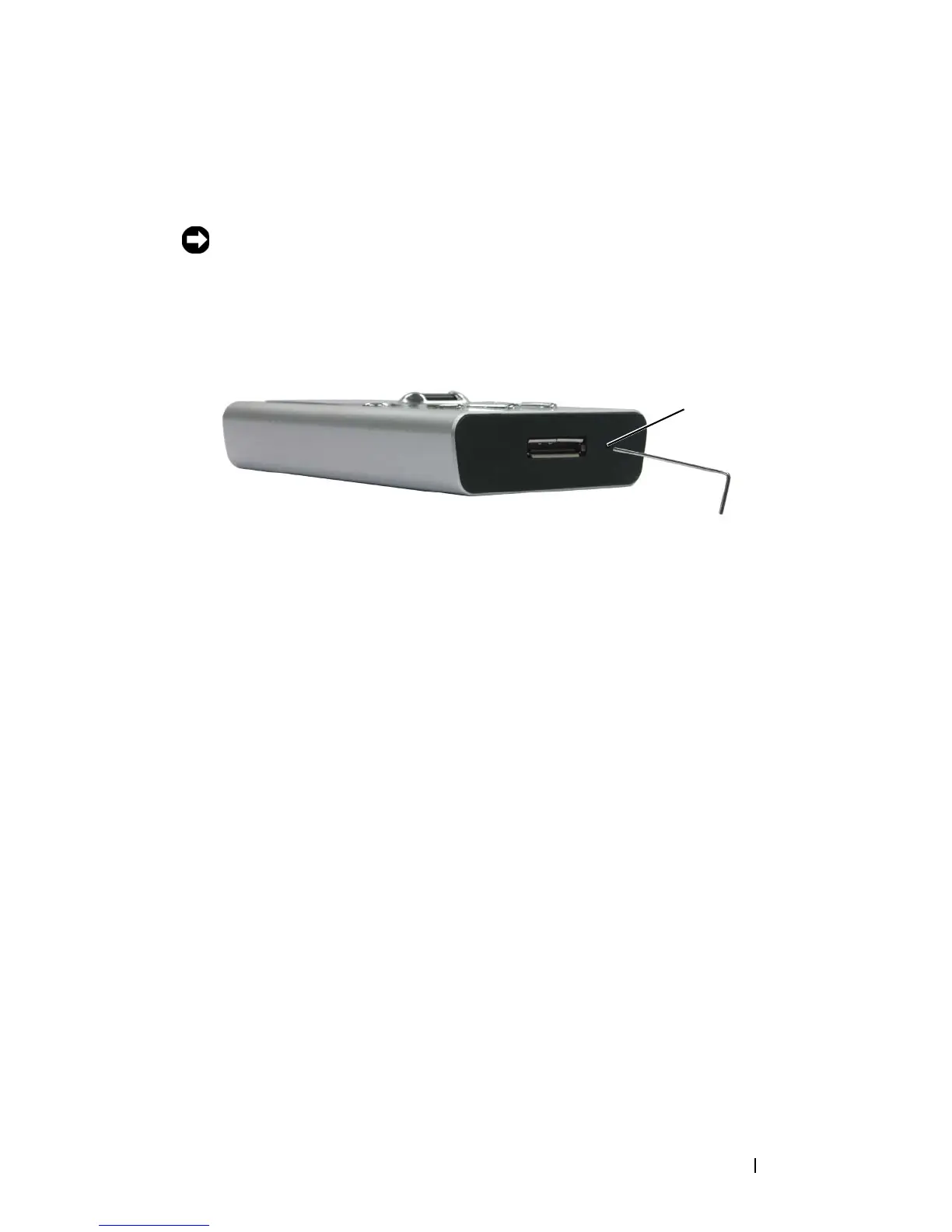
To perform a reset, insert the end of a thin object, such as a straightened
paper clip, into the reset button.
reset
button


 To Next Page