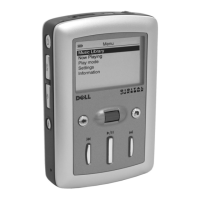
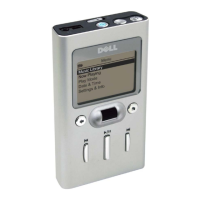
Using Your Dell DJ 23
www.dell.com | support.dell.com
2
Click the track, file, or folder you want to copy, and drag it to the folder
in which you want to place the track, file, or folder.
NOTE: To select several files, hold down the <CTRL> key and click the files.
NOTE: To select consecutive files, hold down the <SHIFT> key and click the
first and last files.
NOTE: To learn more about using Dell DJ Explorer, click the Help icon on
the Dell DJ Toolbar.


 To Next Page