EasyManua.ls Logo

Dell NOT21649 - User Manual

Dell NOT21649
26 pages
Print Icon
To Next Page IconTo Next Page
Loading...
https://tehnoteka.rs
Uputstvo za upotrebu (EN)
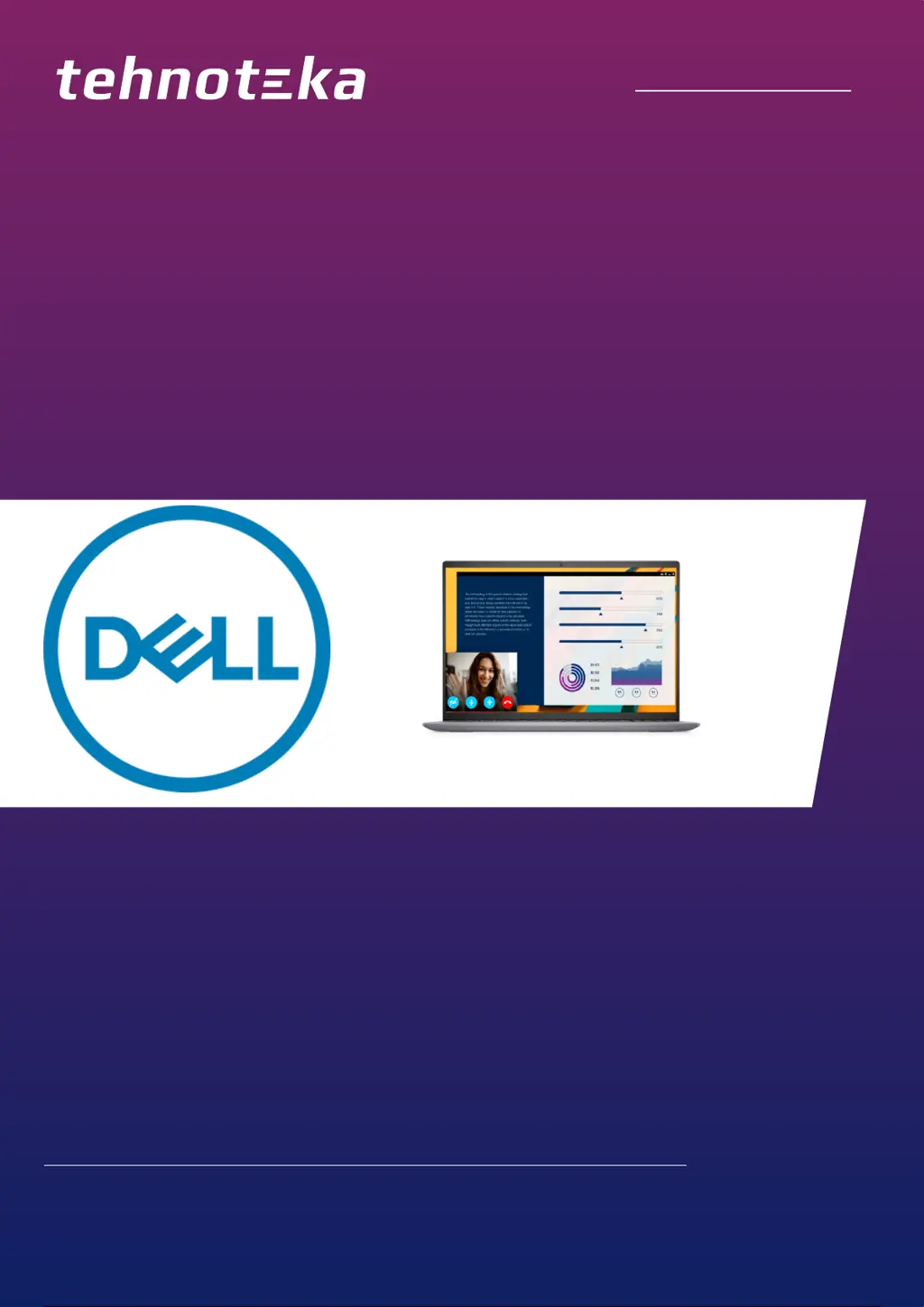
DELL laptop Vostro 5620 (NOT21649)
Tehnoteka je online destinacija za upoređivanje cena i karakteristika bele tehnike,
potrošačke elektronike i IT uređaja kod trgovinskih lanaca i internet prodavnica u Srbiji.
Naša stranica vam omogućava da istražite najnovije informacije, detaljne karakteristike
i konkurentne cene proizvoda.
Posetite nas i uživajte u ekskluzivnom iskustvu pametne kupovine klikom na link:
https://tehnoteka.rs/p/dell-laptop-vostro-5620-not21649-akcija-cena/
1 / 26

Questions and Answers

  • V
    Virginia BerryAug 10, 2025
    What to do if my Dell NOT21649 battery is swollen?
    • N
      Nicole SullivanAug 10, 2025
      If your Dell Laptop battery is swollen, discontinue using the laptop. Discharge it by disconnecting the AC adapter and allowing the battery to drain completely. Swollen batteries should not be used and need to be replaced and disposed of correctly. You may also contact Dell product support to explore options for replacing the swollen battery under your warranty or service contract.
  • C
    christinacookAug 25, 2025
    What to do if Dell Laptop battery is swollen?
    • P
      Patrick CrawfordAug 25, 2025
      If you observe that the lithium-ion battery in your Dell laptop is swollen, immediately discontinue using the laptop. Then, discharge the battery by disconnecting the AC adapter and allowing the battery to fully drain. It is important to replace and properly dispose of swollen batteries, as they should not be used. It is recommended to contact Dell product support to discuss replacement options under your warranty or service contract, including the possibility of replacement by a Dell authorized service technician.

Dell NOT21649 Specifications

General IconGeneral
BrandDell
ModelNOT21649
CategoryLaptop
LanguageEnglish

Related product manuals