36 | Operating the Monitor
Icon Menu and
Submenus
Description
Lock Controls user access to adjustments. When Lock is selected,
no user adjustments are allowed. All buttons are locked.
NOTE:
Lock function – Either soft lock (through OSD menu) or hard
lock (Press and hold the button above power button for 10
sec)
Unlock function – Only hard unlock (Press and hold the
button above power button for 10 sec)
Reset Menu
Settings
Restore the menu settings to factory defaults.
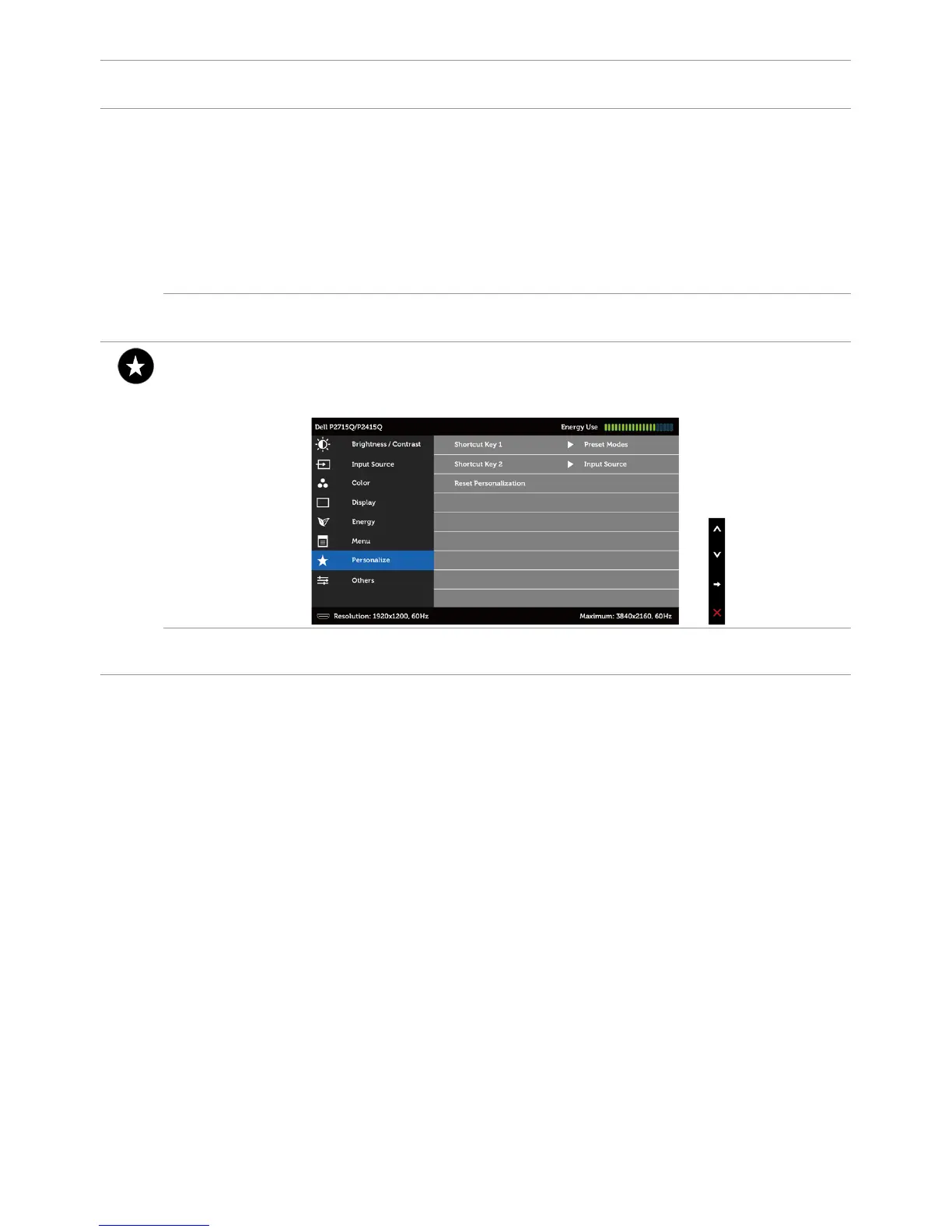
Personalize Select from Preset Modes, Brightness/Contrast, Auto Adjust,
Input Source, Aspect Ratio, or Rotation and set as shortcut
key.
Reset
Personalization
Restores shortcut keys to factory defaults.



 To Next Page