Operating the Monitor | 39
This means that the monitor cannot synchronize with the signal that it is receiving from
the computer. See Monitor Specifications for the Horizontal and Vertical frequency
ranges addressable by this monitor. Recommended mode is 3840 x 2160.
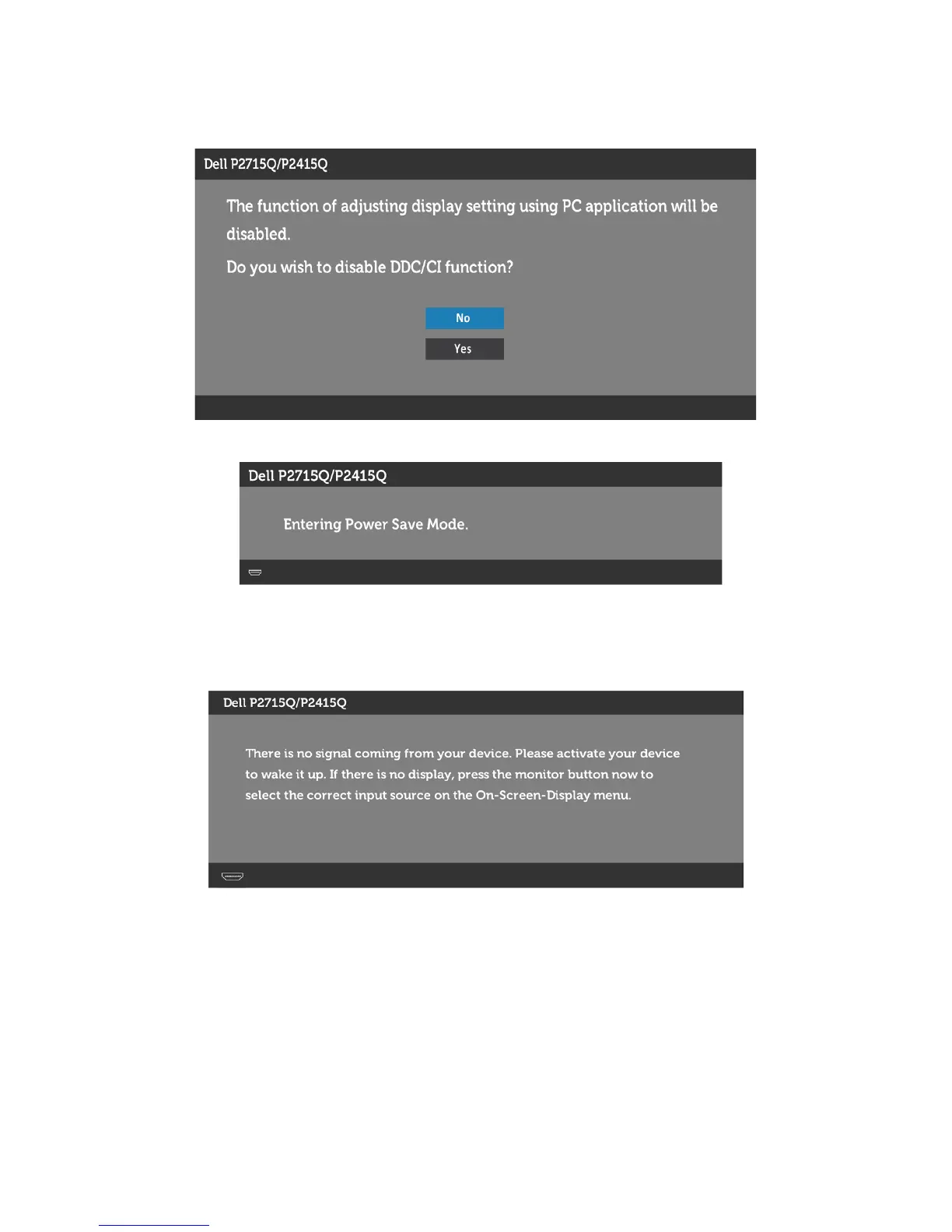
You will see the following message before the DDC/CI function is disabled:
When the monitor enters the Power Save mode, the following message appears:
Activate the computer and wake up the monitor to gain access to the OSD.
If you press any button other than the power button, the following messages will appear
depending on the selected input:



 To Next Page