DELL 24 USB-C HUB MONITOR - P2425HE, P2425HE without stand
Get a seamless viewing experience across dual screen setup with ultra-thin bezel design.
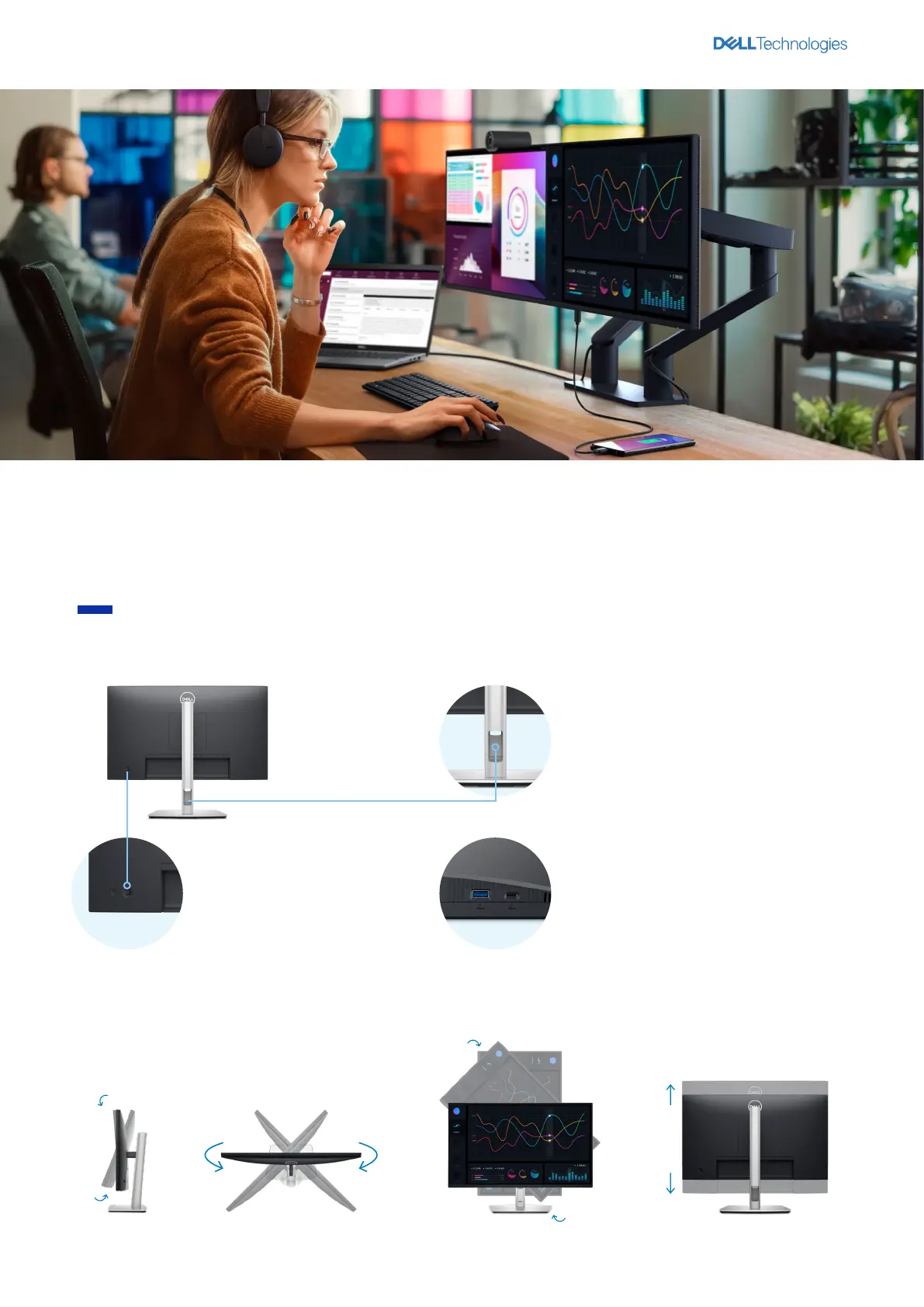
All day comfort
Work comfortably
Experience made-for-you comfort by tilting
1
, swiveling
1
, pivoting
1
and adjusting the height
1
of your monitor (150mm max).
Easy-to-use
Navigate the onscreen menu and
adjust settings with a convenient
joystick control.
De-clutter your workspace
Free up your desk space with the small monitor
base and hide cables from view by tucking
them into the riser.
1
Quick access
USB-C downstream port enables fast data
transfers and charging of up to 15W of power.
1 Not applicable to Dell 24 USB-C Hub Monitor – P2425HE without stand.
90°
-90°
150mm
45°
-45°
21°
-5°



 To Next Page