Operating the monitor │ 75
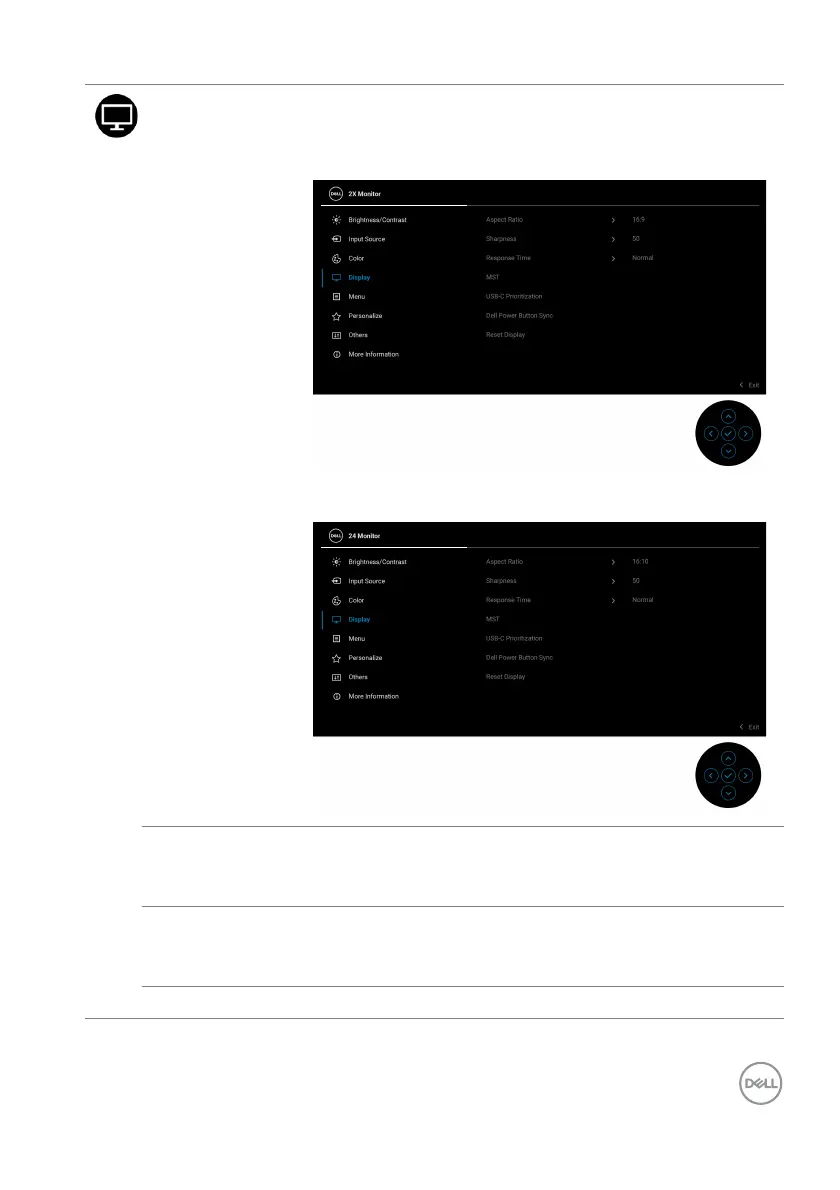
Display Use Display to adjust the images.
P2425HE/P2425HE WOST/P2725HE/P2725HE
WOST
P2425E
Aspect Ratio Adjusts the image ratio to 16:9 (P2425HE/P2425HE
WOST/P2725HE/P2725HE WOST), 16:10
(P2425E), 4:3, or 5:4.
Sharpness This function can make the image look sharper or softer.
Mo
ve the joystick to adjust the sharpness level from '0'
to '100'.
Response Time Allows you to set the response time to Norma
l or Fast.



 To Next Page