2
1
3 4
5
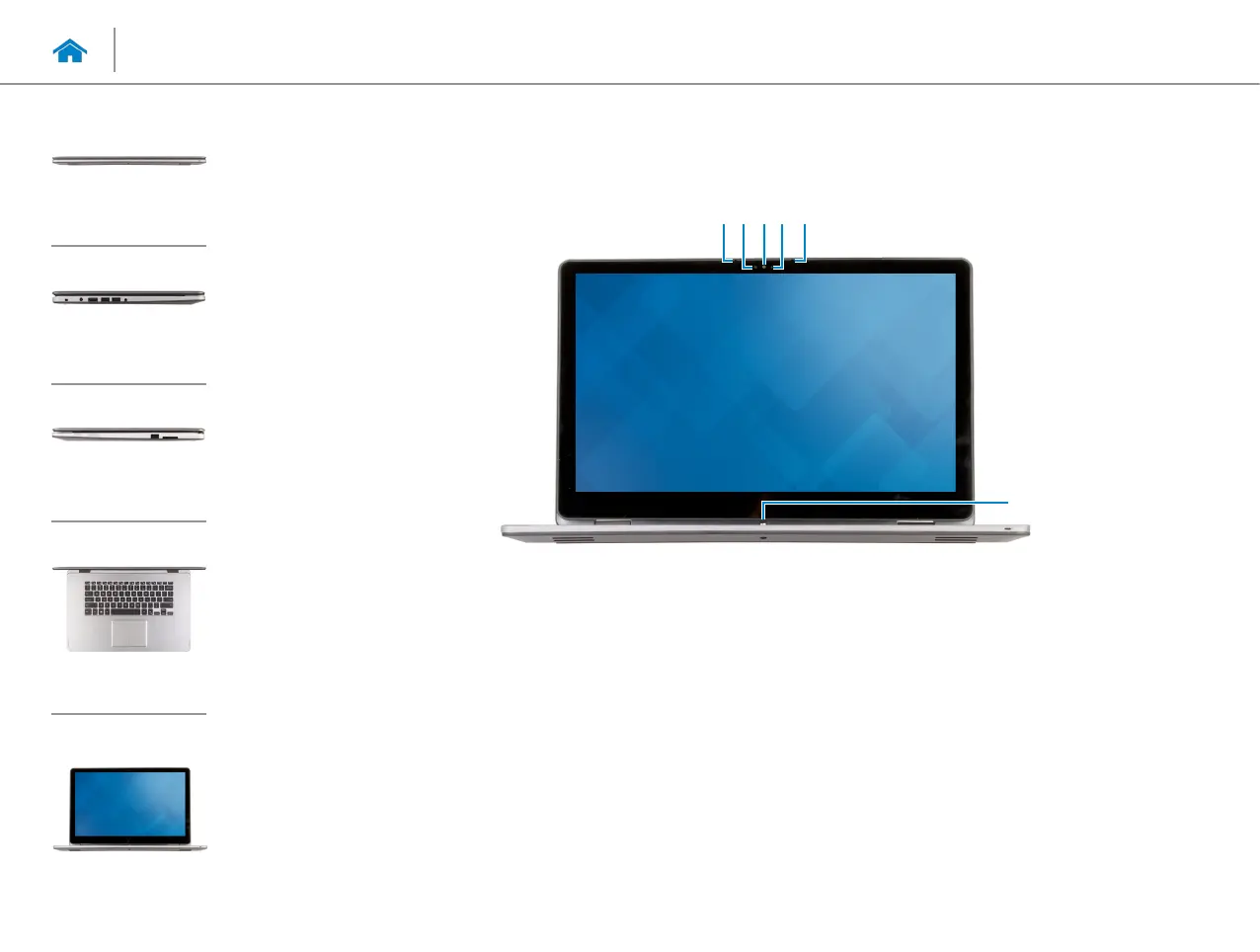
1 Left microphone
Provides high‑quality digital sound input for audio
recording, voice calls, and so on.
2 Ambient-light sensor
Detects the ambient light and automatically adjusts the
display brightness.
3 Camera
Allows you to video chat, capture photos, and record
videos.
4 Camera-status light
Turns on when the camera is in use.
5 Right microphone
Provides high‑quality digital sound input for audio
recording, voice calls, and so on.
6 Windows button
Press to go to the Start screen.
6
Views
Specifications
Front
Left
Right
Base
Display
Display



 To Next Page