11
Setting Up Your Studio Laptop
Setting Up a Wired Internet Connection
If you are using a dial-up connection, connect
the telephone line to the external USB modem
(optional) and to the telephone wall connector
before you set up your Internet connection. If
you are using a DSL or cable/satellite modem
connection, contact your ISP or cellular
telephone service for setup instructions and
see “Setting Up Your Internet Connection”
on page 12.
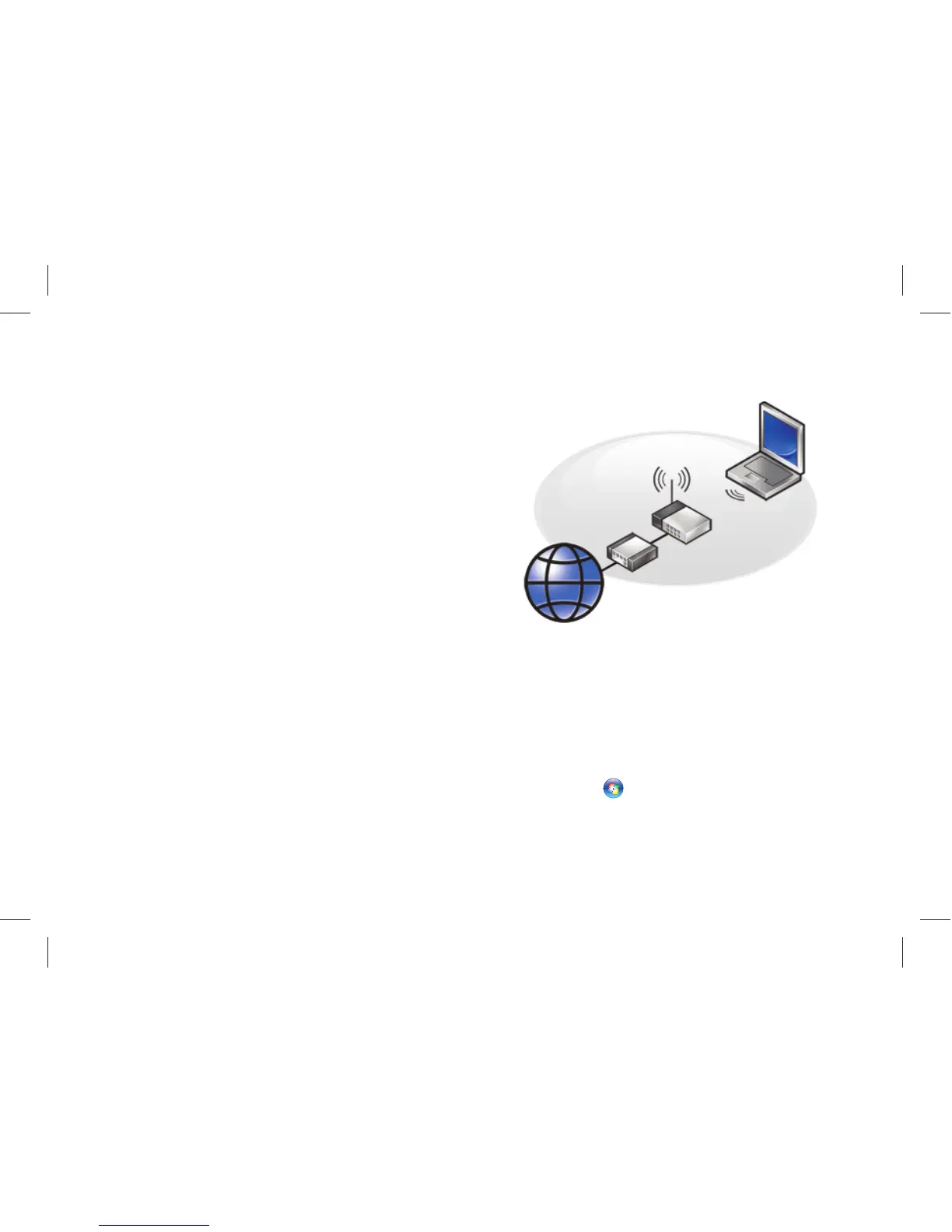
Setting Up a Wireless Connection
Before you can use your wireless Internet
connection, you need to connect to your
wireless router. To set up your connection to
a wireless router:
Save and close any open files, and exit any 1.
open programs.
Click 2. Start
→ Connect To.
Follow the instructions on the screen to 3.
complete the setup.



 To Next Page