7
Setting Up Your Studio Laptop
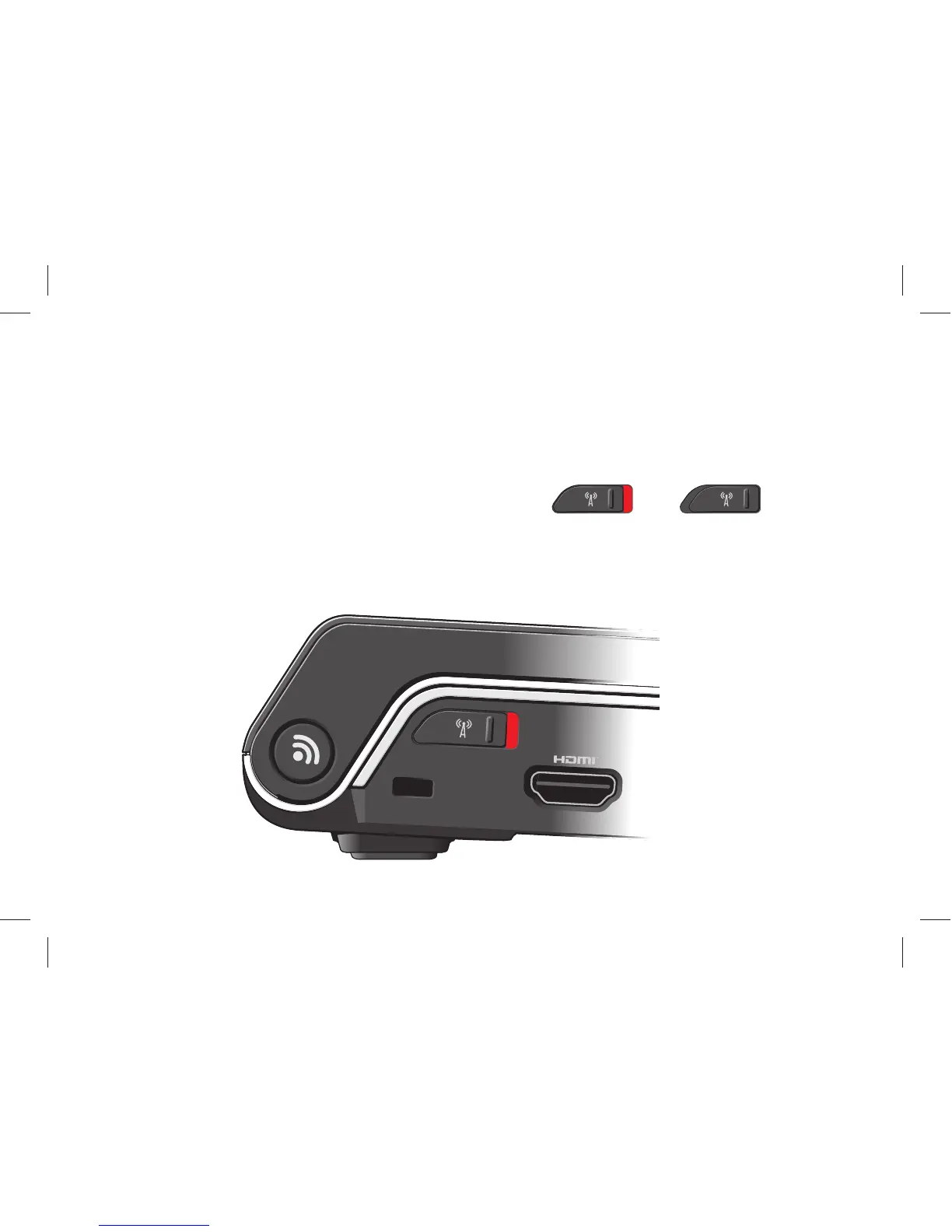
Check the Wireless Switch
If you plan to use wireless connections, make
sure the wireless switch is in the “On” position.
Using The Wireless Switch
To turn on the wireless switch, slide it from the
rear to the front of the computer until it clicks
into place.
- Off - On



 To Next Page