NOTE: Some devices may not be included if you did not order them.
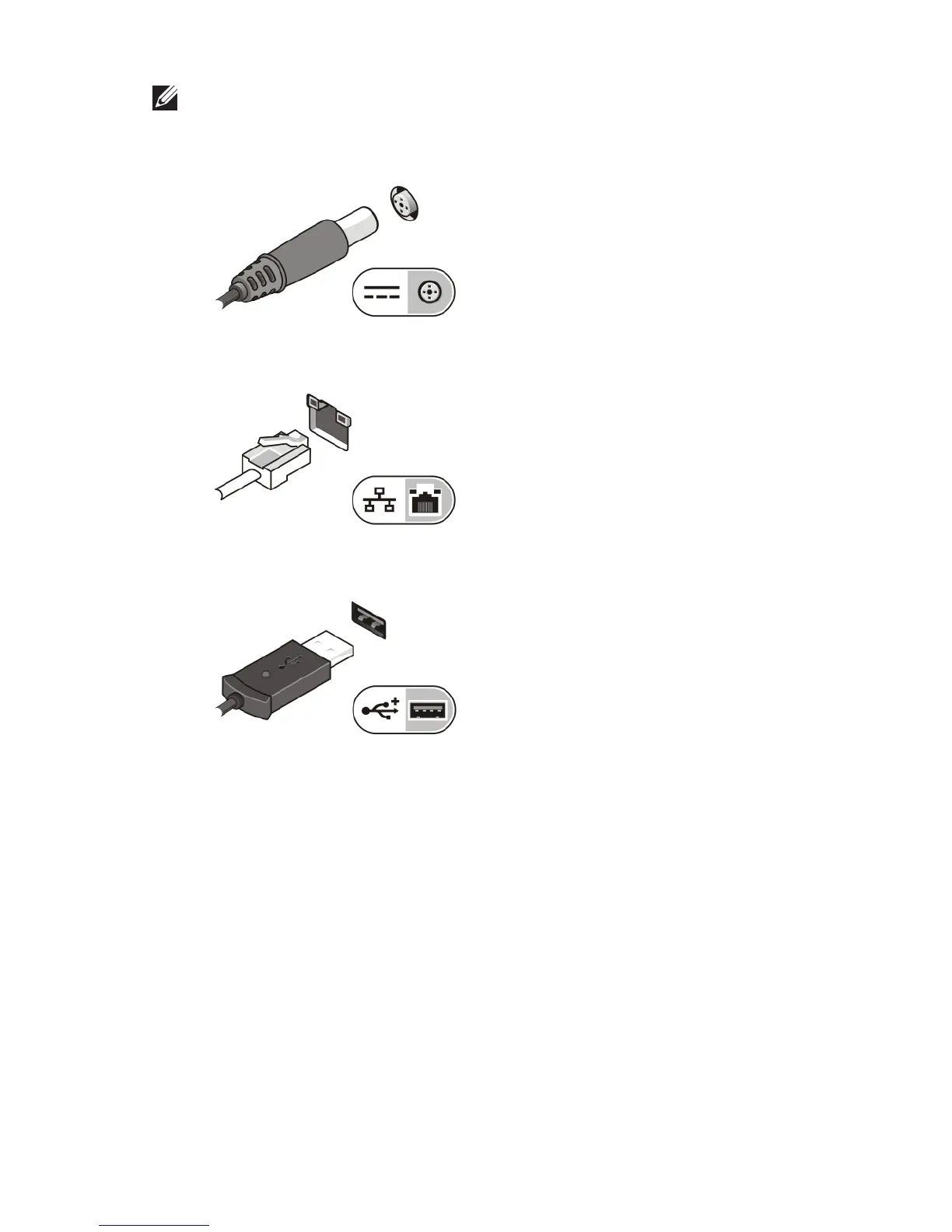
1. Connect the AC adapter to the AC adapter connector on the computer
and to the electrical outlet.
Figure 5. AC Adapter
2. Connect the network cable (optional).
Figure 6. Network Connector
3. Connect USB devices, such as a mouse or keyboard (optional).
Figure 7. USB Connector
4. Connect IEEE 1394 devices, such as a 1394 hard drive (optional).
5















 To Next Page