NOTE: It is recommended that you turn on and shut down your computer at least once before
you install any cards or connect the computer to a docking device or other external device,
such as a printer.
1
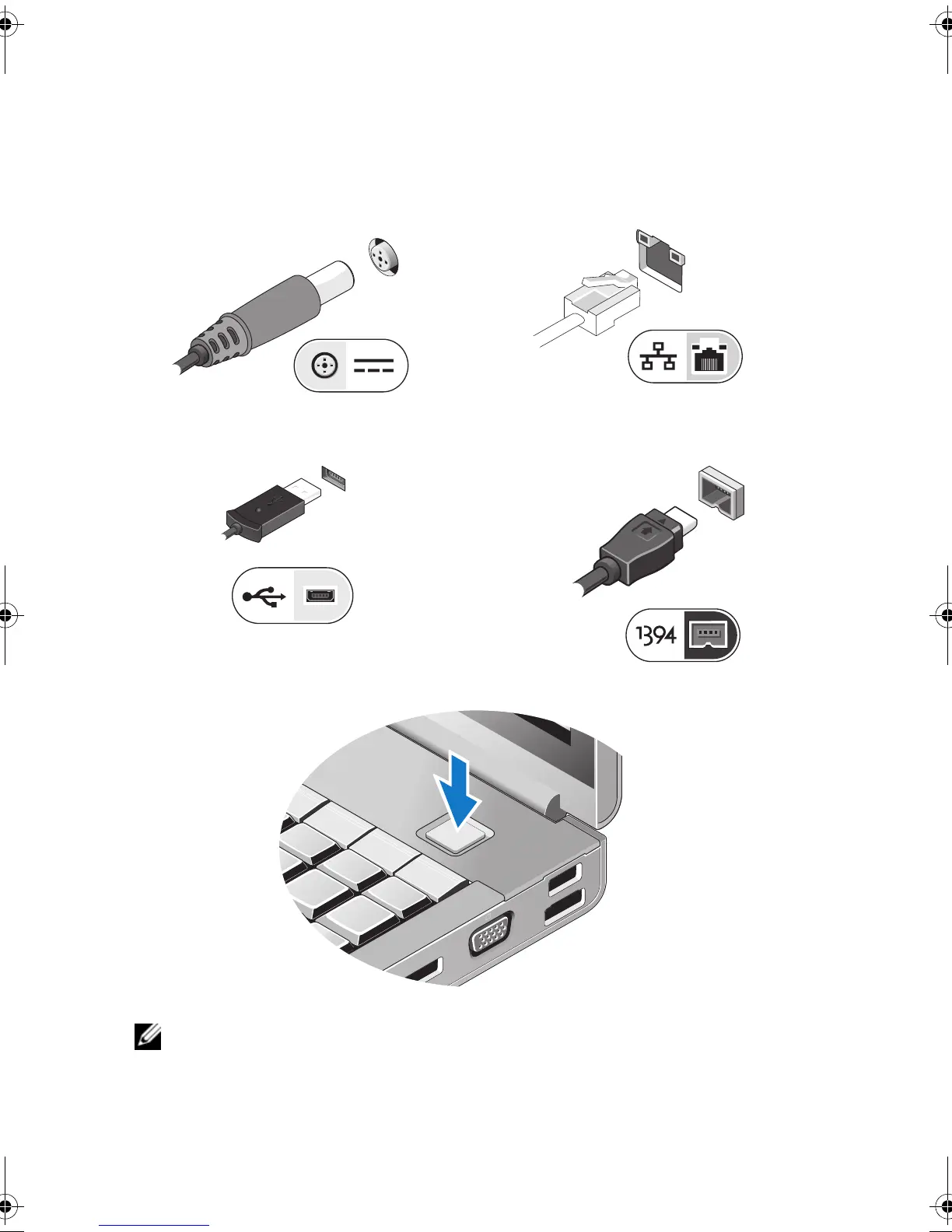
Connect the AC adapter to the AC adapter
connector on the computer and to the
electrical outlet.
2
Connect the network cable (optional).
3
Connect USB devices, such as a mouse or
keyboard (optional).
4
Connect IEEE 1394 devices, such as a
DVD player (optional).
5
Open the computer display and press the power button to turn on the computer.
M22V4am0.fm Page 4 Thursday, August 13, 2009 1:20 PM














 To Next Page