Unità ottica
Removing the optical drive
Prerequisites
1. Follow the procedure in Before working inside your computer.
2. Remove the side cover.
3. Remove the front bezel.
4. Remove the 2.5-inch hard drive if applicable.
5. Remove the 3.5-inch hard drive if applicable.
6. Remove the disk-drive cage.
About this task
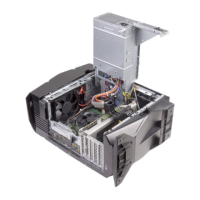
The following image indicates the location of the optical-drive assembly and provides a visual representation of the removal
procedure.
52 Rimozione e installazione delle unità sostituibili dal cliente (CRU)









 To Next Page