Setting up your Rugged Scanner with USB │ 7
3. Setting up your Rugged Scanner with
USB
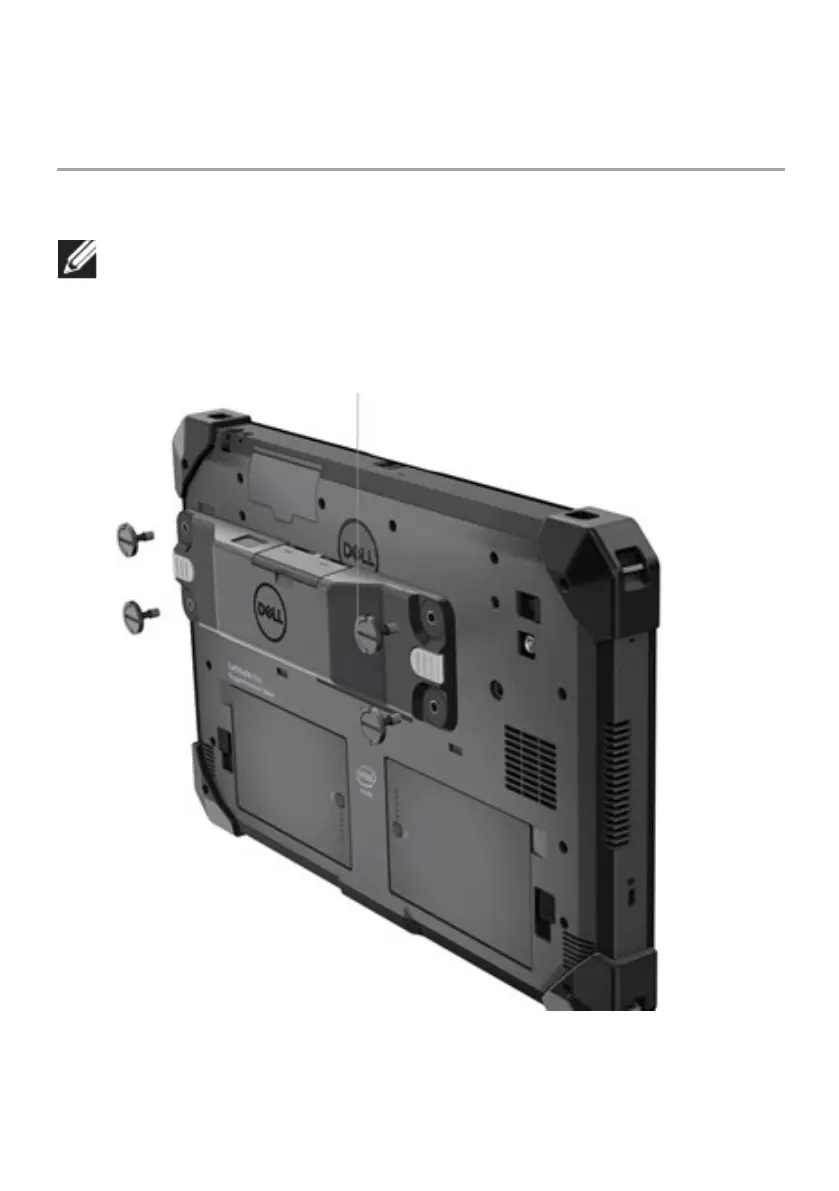
1.Turn the tablet over and align the screws to the holes at the back of the
tablet.
Attach the Rugged Scanner with USB to the tablet, easily, with
thumb-screws.
(Step 2 & 3 are on the next page.)



 To Next Page