About your monitor | 17
The OSD functions only in the normal operation mode. When any button is pressed
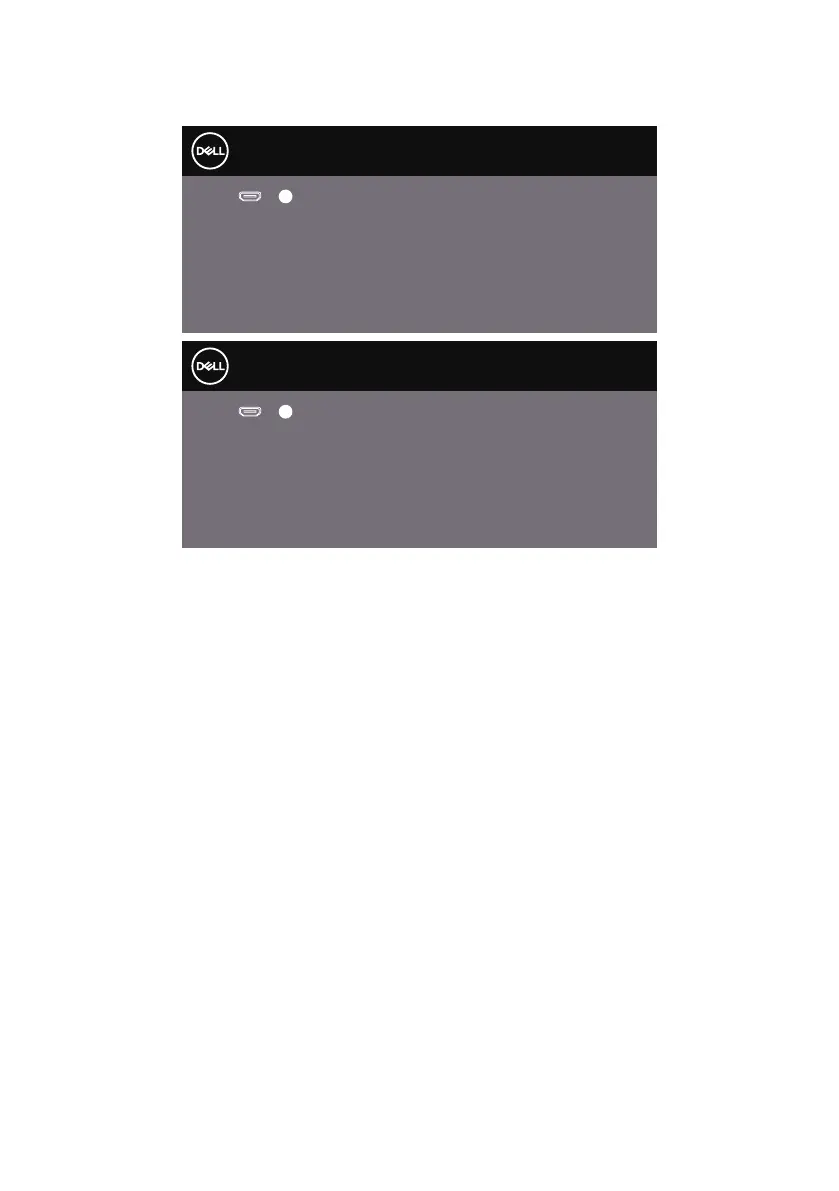
in the Active-off mode, one of the following messages will be displayed:
Dell
P2418HZ
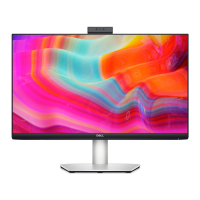
Dell 24 Monitor
No HDMI1 signal from your device.
Press any key on the keyboard or move the mouse to wake it up.
?
S2419H
If there is no display, press the monitor button again to select
the correct input source.
Dell
P2418HZ
Dell 27 Monitor
No HDMI1 signal from your device.
Press any key on the keyboard or move the mouse to wake it up.
?
S2719H
If there is no display, press the monitor button again to select
the correct input source.
Activate the computer and the monitor to gain access to the OSD.


 To Next Page