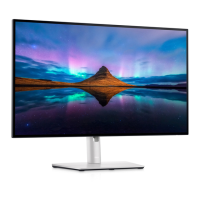
Connecting Your Monitor
WARNING: Before you begin any of the procedures in this section, follow the Safety Instructions.
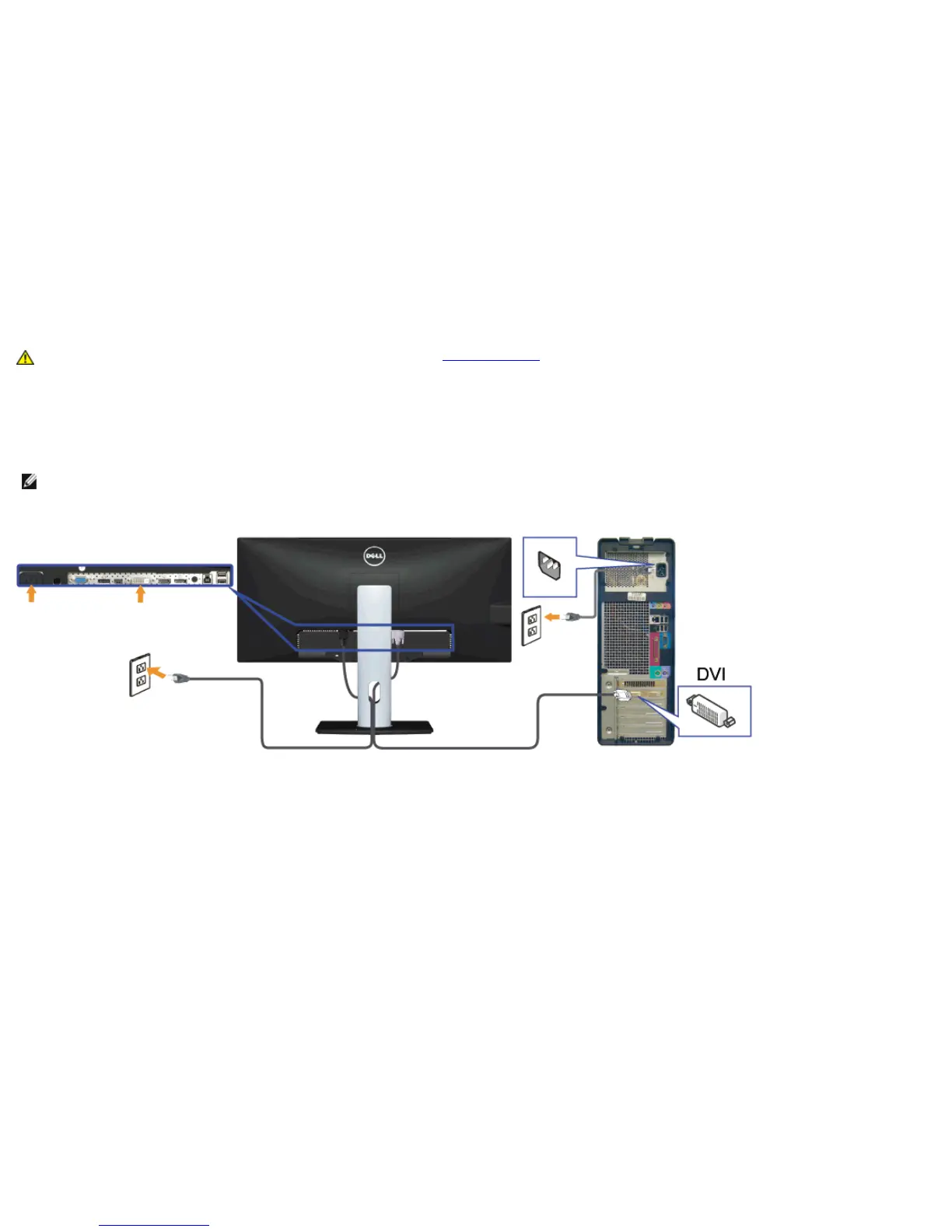
To connect your monitor to the computer:
1. Turn Off your computer and disconnect the power cable.
2. Connect the white DVI-D (digital) or the blue VGA (analog ) or the black DP(DisplayPort)/mDP/HDMI cable to the corresponding video port on the
back of your computer. Do not use the three cables on the same computer. Use all the cables only when they are connected to three different
computers with appropriate video systems.
NOTE: Do not connect the blue VGA, the white DVI, or the black DisplayPort/HDMI cables to the computer at the same time.
Connecting the white DVI cable


 To Next Page