EasyManua.ls Logo

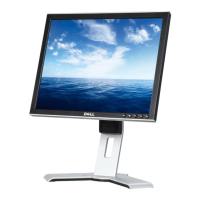
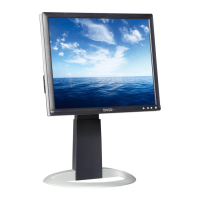
Dell UltraSharp 1704FPV - User Manual

Dell UltraSharp 1704FPV
2 pages
Print Icon
To Next Page IconTo Next Page
Loading...
Question and Answer IconNeed help?

Do you have a question about the Dell UltraSharp 1704FPV and is the answer not in the manual?

Summary

Setting Up Your Monitor

Attach Monitor to Stand

Securely fix the monitor to its base for stable positioning.

Connect Monitor Cables

Connect video (VGA/DVI) and USB cables to the computer.

Connect Power and Turn On

Plug in the power cord, turn on the monitor, and troubleshoot if no image appears.
Summary

Setting Up Your Monitor

Attach Monitor to Stand

Securely fix the monitor to its base for stable positioning.

Connect Monitor Cables

Connect video (VGA/DVI) and USB cables to the computer.

Connect Power and Turn On

Plug in the power cord, turn on the monitor, and troubleshoot if no image appears.

Dell UltraSharp 1704FPV Specifications

General IconGeneral
BrandDell
ModelUltraSharp 1704FPV
CategoryMonitor
LanguageEnglish

Related product manuals