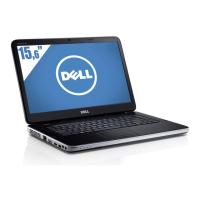
Dell Vostro 2420/2520
Setup And Features Information
About Warnings
WARNING: A WARNING indicates a potential for property damage, personal injury, or death.
Vostro 2420 – Front And Back View
Figure 1. Front View
1. camera status light
2. camera
3. display
4. speakers (2)
5. USB 2.0 connectors (2)
6. optical drive
7. optical drive eject button
8. audio connectors
9. microphone
10. touchpad
11. memory card reader
12. touchpad buttons (2)
13. device status lights
14. keyboard
15. power button
Regulatory Model: P22G,P18F
Regulatory Type: P22G004, P18F004
2012 - 02



 To Next Page