Never switch to standby mode
Directly switch to standby mode
Change language
The following keyboard languages are only valid for the output via American
keyboard.
English
French
Spanish
Italian
Japanese
If you want to use the German keyboard, please use the extra sheet.
Settings End characters
Add CR
Add LF
Add CR + LF
Cancel CR + LF
Add TAB
Transmission speed
Select the appropriate transmission speed according to the PC reception speed.
fast
medium
slow
very slow
If not set otherwise, the scanned barcodes are displayed directly on the output
device.
Data transfer via USB cable
Among the possibilities to output your data via Bluetooth or 2.4Ghz directly to the
media, you have the possibilty to connect the scanner to the system with a USB
cable.
Usually, the scanner transfers the data directly to the output media when the cable
is connected.
Data transfer from the save mode
If you are outside the transmission range to your Bluetooth device, you can save
the codes directly in the scanner's memory. If the internal memory is full, you will
hear three short beeps.
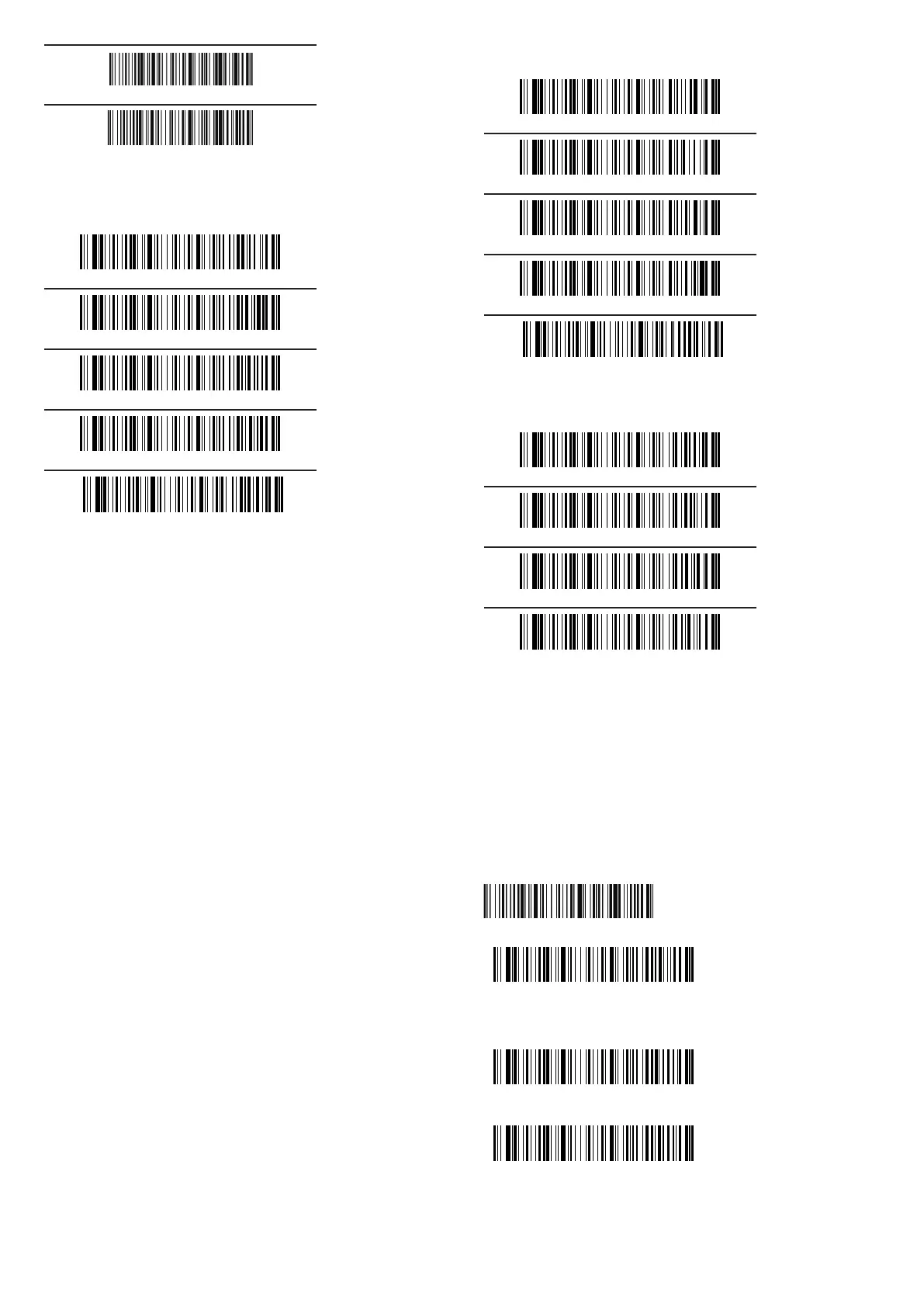
Use the code below for the internal storage mode.
You can now upload the stored data by scanning the barcode below
Please make sure that you are in the reception area of your USB device and that
an ideal connection has been established. Otherwise, please use the enclosed
USB cable for data transfer.
To delete the internal memory afterwards you can use the following code
Return to normal mode


 To Next Page
 Loading...