37
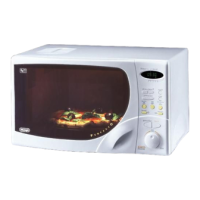
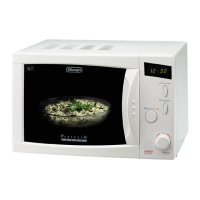
TURNING THE OVEN ON USING ONLY THE MICROWAVE FUNCTION
1
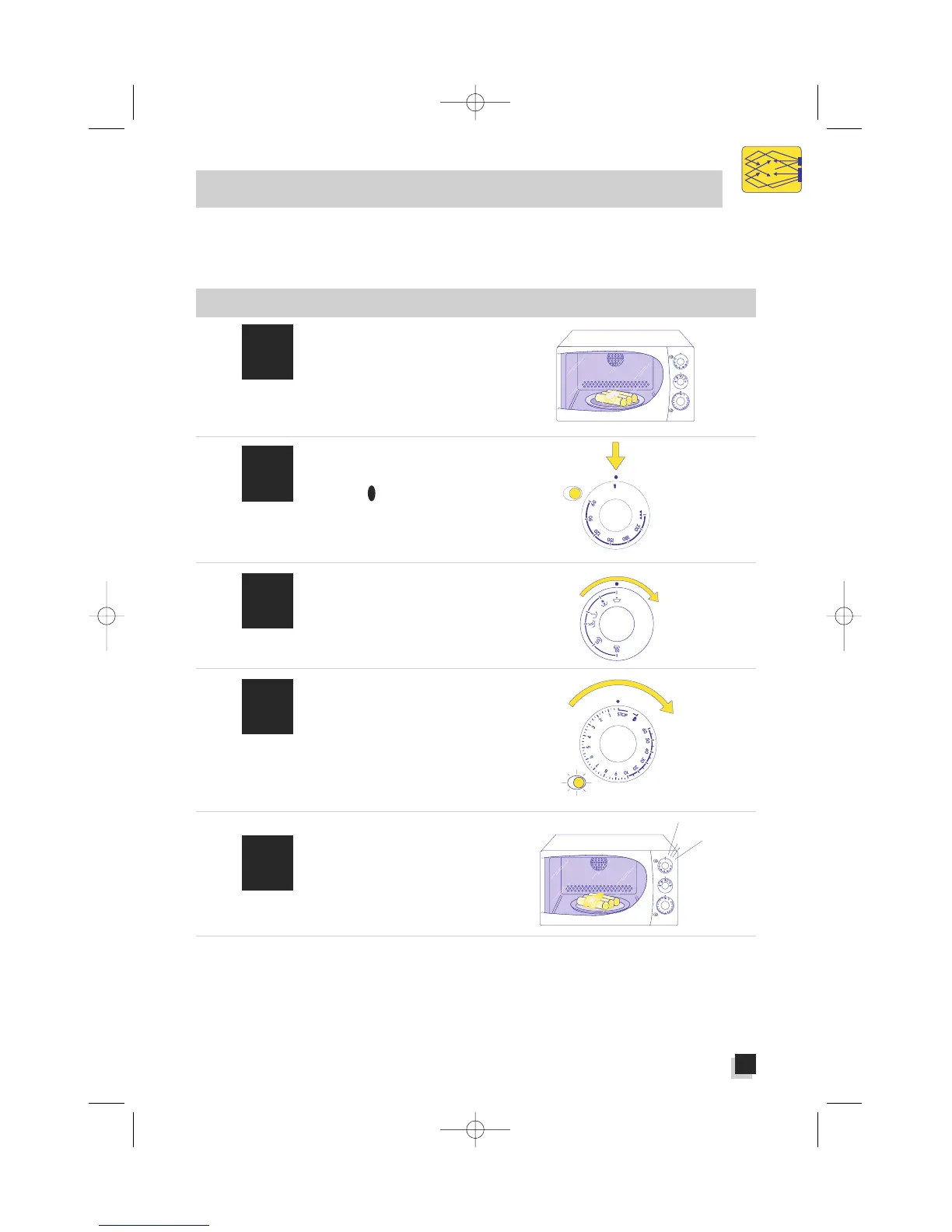
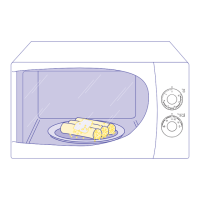
Place the food in a
container suitable for
microwave cooking and
place it in the centre of
the turntable
3
Choose the power level
you want by turning the
power selector knob.
4
Set the cooking time
desired by turning the
timer knob in a clockwise
direction.
The warning light will
come on to indicate that
the microwaves are work-
ing.
5
Once the set cooking time
has expired, a buzzer
will sound to signal that
your food is ready.
It is possible to interrupt the oven’s operations at any time simply by turning the timer knob to its STOP
setting. You may also change the cooking time (while the cooking itself is in progress) by turning that
same knob back or forth.
You can check on the situation while the cooking is in progress by opening the door and examining
the food. That move will interrupt the oven’s operations, but they will begin again once the door has
been closed.
N.B: You do not have to
pre-heat the oven.
MICROWAVE-ONLY FUNCTION
This function is suitable for:
• Keeping food hot . . . . . . . . . . . . .pag. 40
• Defrosting . . . . . . . . . . . . . . . . . . .pag. 40
• Heating . . . . . . . . . . . . . . . . . . . .pag. 42
• Cooking stew, white meats, fruit, vegetables,
rice, soup and fish . . . . . . . . . . . . . . .pag. 44
2
Check to be certain that
the thermostat/grill knob
is at the “ ” setting.
MICROWAVE


 To Next Page