Chapter 2 HMI-WPLSoft Introduction|DOP-EXIO Series
Revision March, 2008, Doc. Name: 2007PDD23000014 2-11
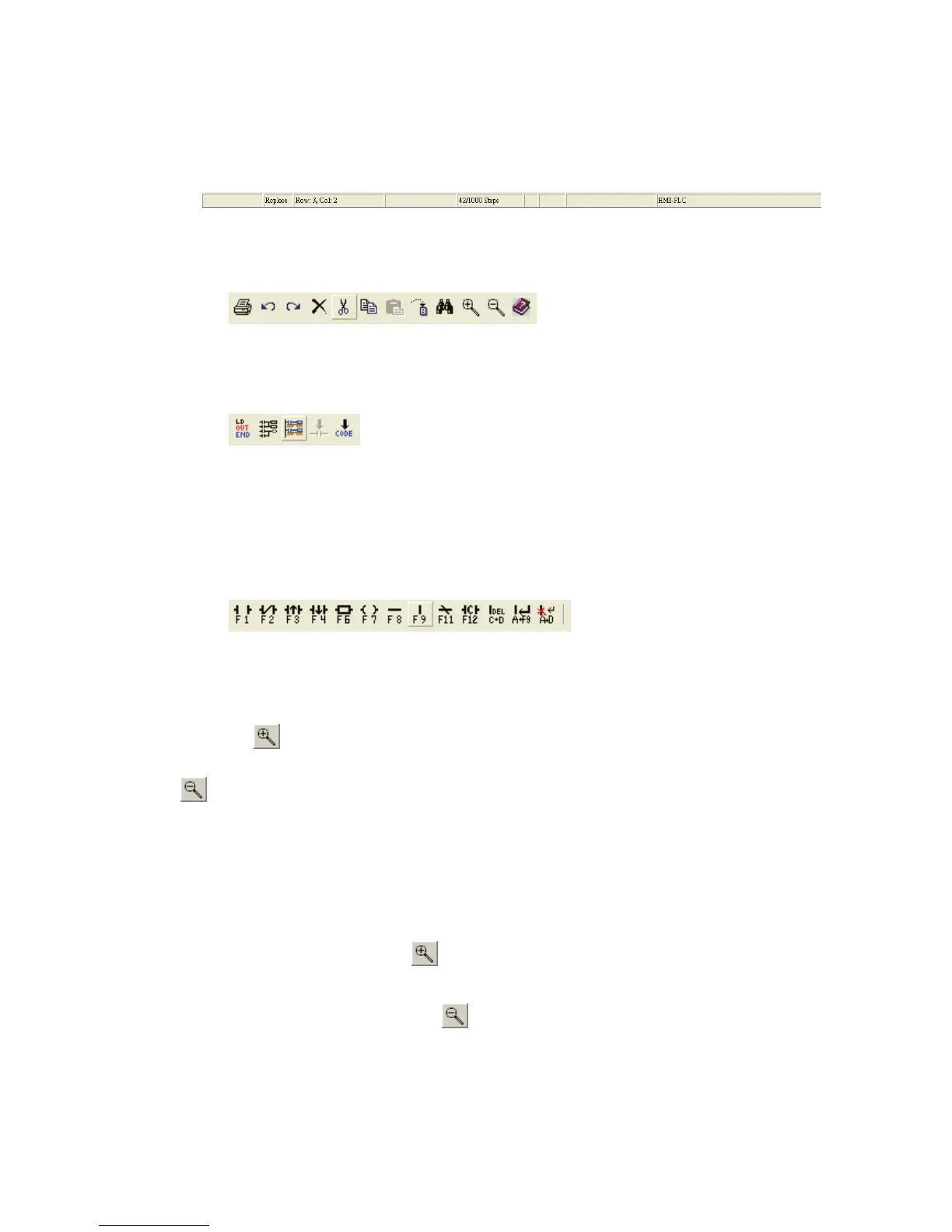
Toolbars(T) Ö Display a list of the toolbars available in HMI-WPLSoft, including
Status Bar, Standard, PLC and Ladder Diagram toolbars.
~ Status Bar: display or hide status bar.
Method: Click “View(V)” > “Toolbars(T)” > “Status Bar”.
~ Standard: display or hide standard toolbar.
Method: Click “View(V)” > “Toolbars(T)” > “Standard”.
~ PLC: display or hide HMI-WPLSoft toolbar.
Method: Click “View(V)” > “Toolbars(T)” > “PLC”.
~ Ladder Diagram toolbar: display or hide Ladder Diagram toolbar (display in
Ladder Diagram Mode only).
Method: Click “View(V)” > “Toolbars(T)” > “Ladder Diagram”.
Zoom(Z) Ö Let the user change and reduce the magnification level of the program.
Zoom In function is used to get a closer look of the program and Zoom Out
function is used to see more of the program. The default settings for zooming
provided by the system are Auto, 50 %, 75 %, 100 %, 125 %, 150 %, 175 % and
200 %.
Method 1: Click “View(V)” > “Zoom (Z)”.
Method 2: Zoom In. Use keyboard shortcuts by pressing keys (Shift) + (Alt) + (I)
or click the icon on the toolbar to zoom in.
Method 3: Zoom Out. Use keyboard shortcuts by pressing keys (Shift) + (Alt) +
(O) or click the icon on the toolbar to zoom out.


 To Next Page
 Loading...
