Chapter 2 HMI-WPLSoft Introduction|DOP-EXIO Series
2-10
Revision March, 2008, Doc. Name: 2007PDD23000014
Go to(J) Ö Jump to the designated location (unit: Step).
Method 1: Click “Search(S)” > ”Go to(J)”.
Method 2: Click the icon on the toolbar.
Method 3: Use keyboard shortcuts by pressing keys (Ctrl) + (J).
Search/Replace(F) Ö Search or replace the device name and instruction of the
designated device.
Method 1: Click “Search(S)” > ”Search/Replace(F)”.
Method 2: Click the icon on the toolbar.
Method 3: Use keyboard shortcuts by pressing keys (Ctrl) + (F).
Go to the Start(T) Ö Jump to the start of the program.
Method 1: Click “Search(S)” > ”Go to the Start(T)”.
Method 2: Use keyboard shortcuts by pressing keys (Ctrl) + (Home).
Go to the End(N) Ö Jump to the end of the program.
Method 1: Click “Search(S)” > ”Go to the End(N)”.
Method 2: Use keyboard shortcuts by pressing keys (Ctrl) + (End).
2.6 View
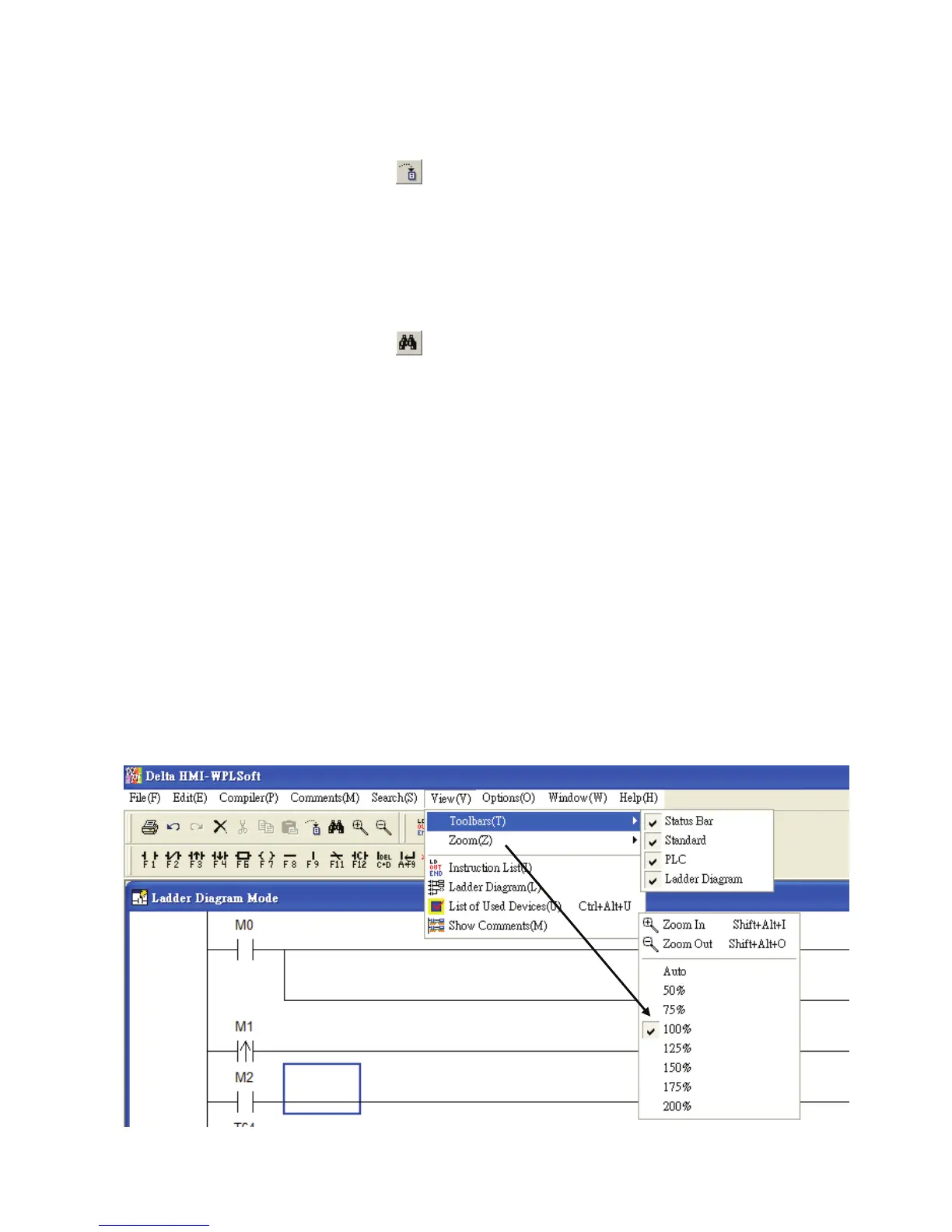
The “View” function is shown as follows, including pull-down menu options:



 To Next Page