Chapter 3 Creating and Editing Programs|DOP-EXIO Series
Revision March, 2008, Doc. Name: 2007PDD23000014 3-3
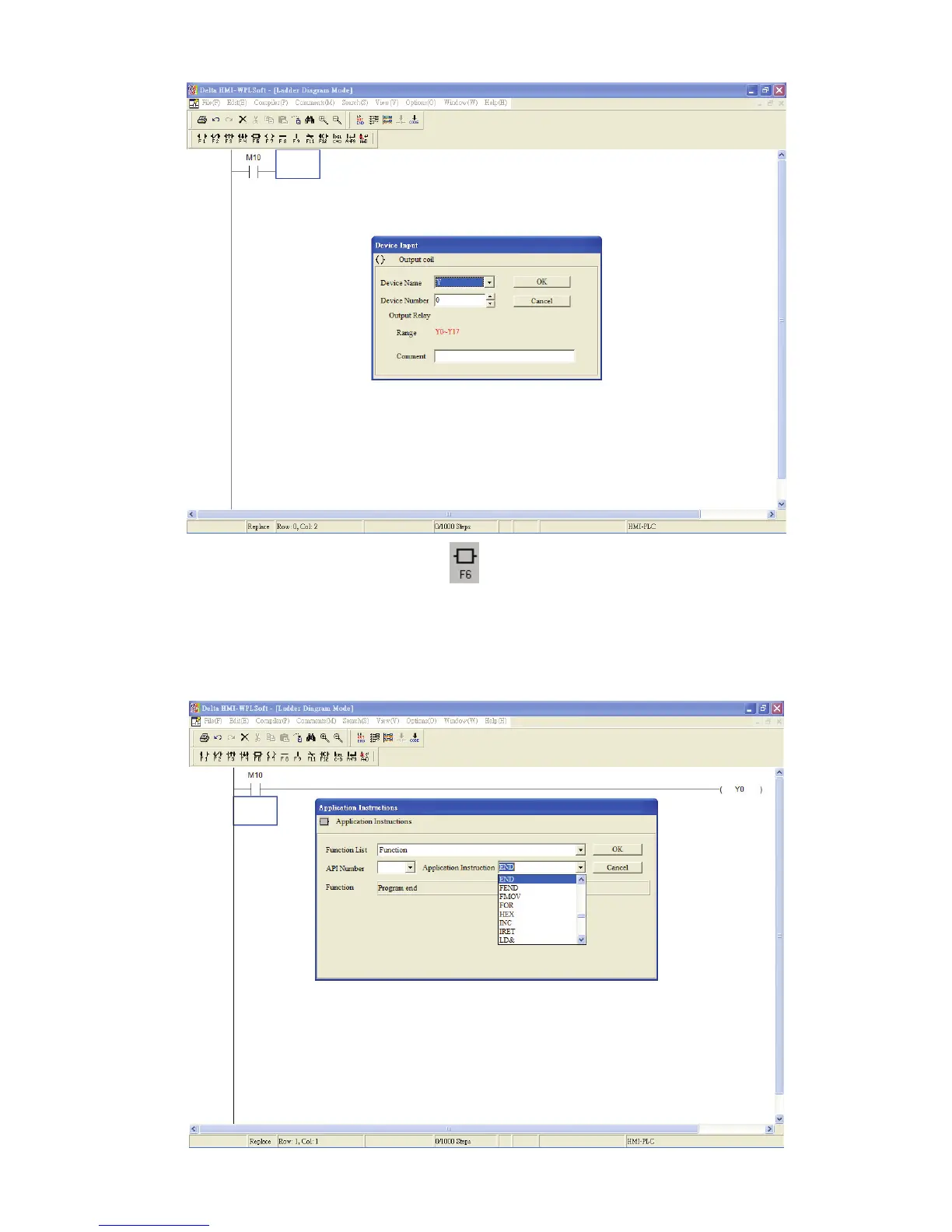
4. Click Application Instruction icon or press F6 function key. Choose “Function”
from the “Function” drop-down menu and select “END” instruction from the
“Application Instruction” drop-down menu. The user can also type in “END” instruction
directly in the field of "Application Instruction". Then, press the button “OK” to save
the settings.



 To Next Page