SOFTWARE CONNECTION WITH WINDOWS 95
A) After starting WINDOWS 95, select START, PROGRAMS, ACCESSORIES, HYPERTERMINAL.
Run HYPERTRM (2 click).
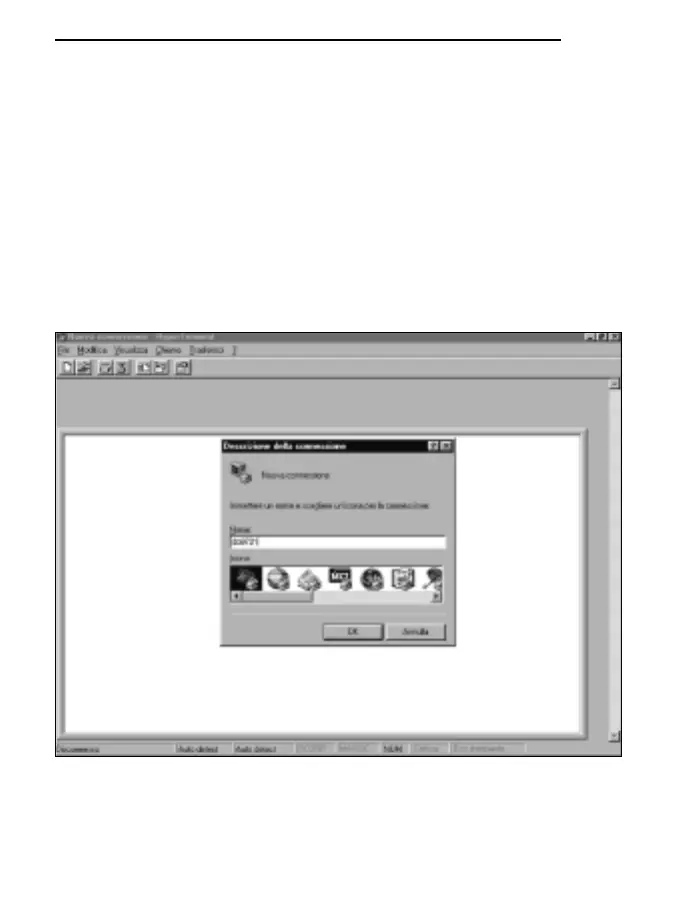
B) Name of the communication:
* In the window “Description of connection”, give a name to the communication that you want
to activate and choose an icon (in subsequent communications it will be possible to activate
directly the icon chosen in place of HYPERTRM, automatically recovering all the settings
saved with the icon).
* OK to confirm.
* Cancel in the next window.
127
ENGLISH



 To Next Page