ENGLISH
REL
UNIT A
81
KEY SIMBOLS LIT BESIDES
THE NUMBERS
FUNCTION
DESCRIPTION
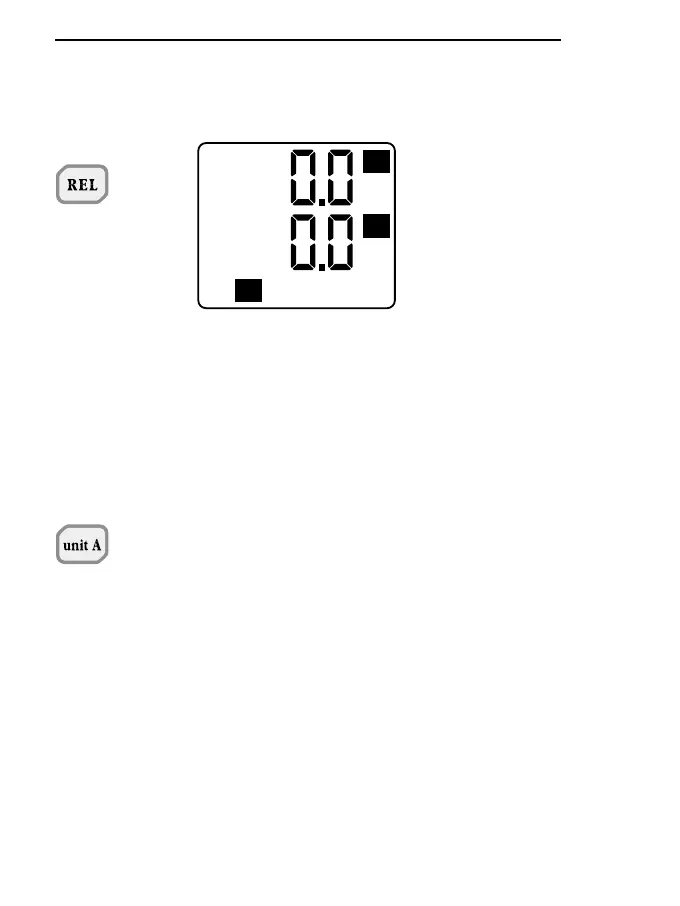
The REL key allows you to
display or store relative values or
send them immediately onto the
serial line. The values for compa-
rison are stored at the precise
moment in which the key is pres-
sed. Data may be stored when
the REL button is active.
After data has been sent onto the
serial line, in immediate or remote
mode from the instrument’s inter-
nal memory, obtained with the
REL function active, a report will
be provided giving the maximum,
minimum and mean relative
values and the reference values
on which the calculation of the
relative values was based.
When the Unit A key is pressed, it
selects the measurement unit in
which the magnitude measured
by the probe connected to input A
is presented at the top of the
display. Depending on the type of
probe connected, the following
units are enabled: °C or °F; lux or
fcd; W/m
2
or µW/cm
2
; µmol/m
2
s;
cd/m
2
.
This key also gives access to the
Q and Time functions. The led
corresponding to the unit chosen
lights up.
When pressed after the PROG
key, in P0 function, the key gives
access to the programming of the
limits for the integration value Q
and for the Time; see the specific
section.


 To Next Page
 Loading...
