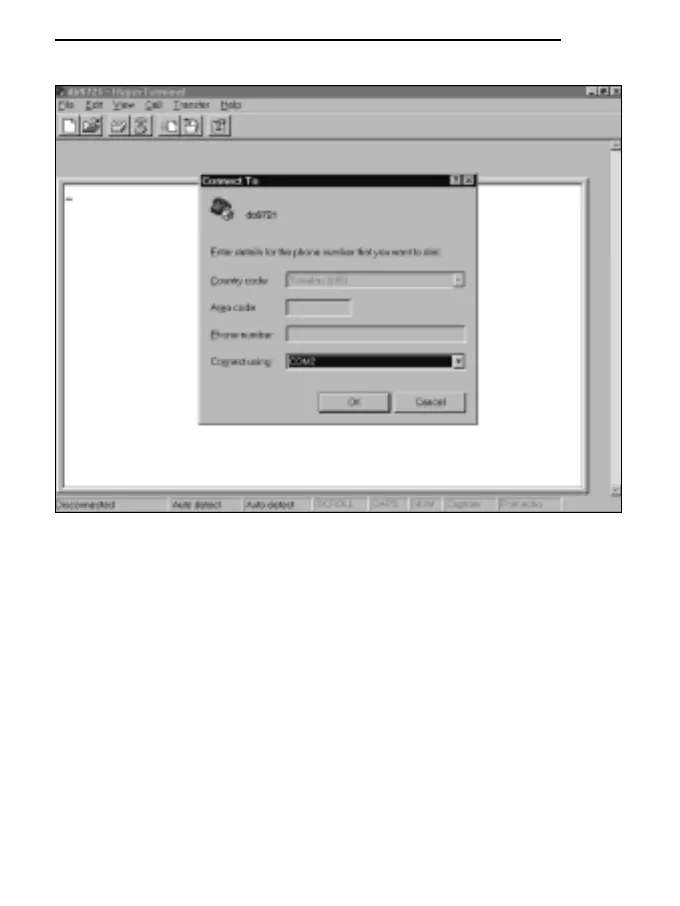
C) Setting communication:
* select FILE from the Hyper Terminal window (1 click).
* select PROPERTIES from the pull-down menu (1 click) and the “Properties” window will
appear.
* on the “Connect to” card, for the Connect property, choose “COM1” or “COM2”, depending
on the serial port that you intend to use for communication with the measuring instrument.
* on the “Connect to” card, select CONFIGURE (1 click) and the “Port settings” card will
appear.
* on the “Port settings” card select:
BITS PER SECOND: 19200,
DATA BITS: 8,
PARITY: None,
STOP BITS: 1,
FLOW CONTROL: Xon / Xoff,
OK to confirm the port setting (1 click).
144
ENGLISH



 To Next Page