EasyManua.ls Logo

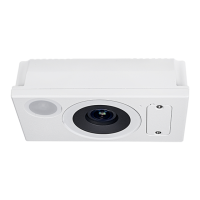
Delta VIVOTEK SC9133-RTL - Live View Page Link; Manual Calibration

Delta VIVOTEK SC9133-RTL
16 pages
To Next Page IconTo Next Page
To Previous Page IconTo Previous Page
Loading...
7
© VIVOTEK Inc. All rights reserved.
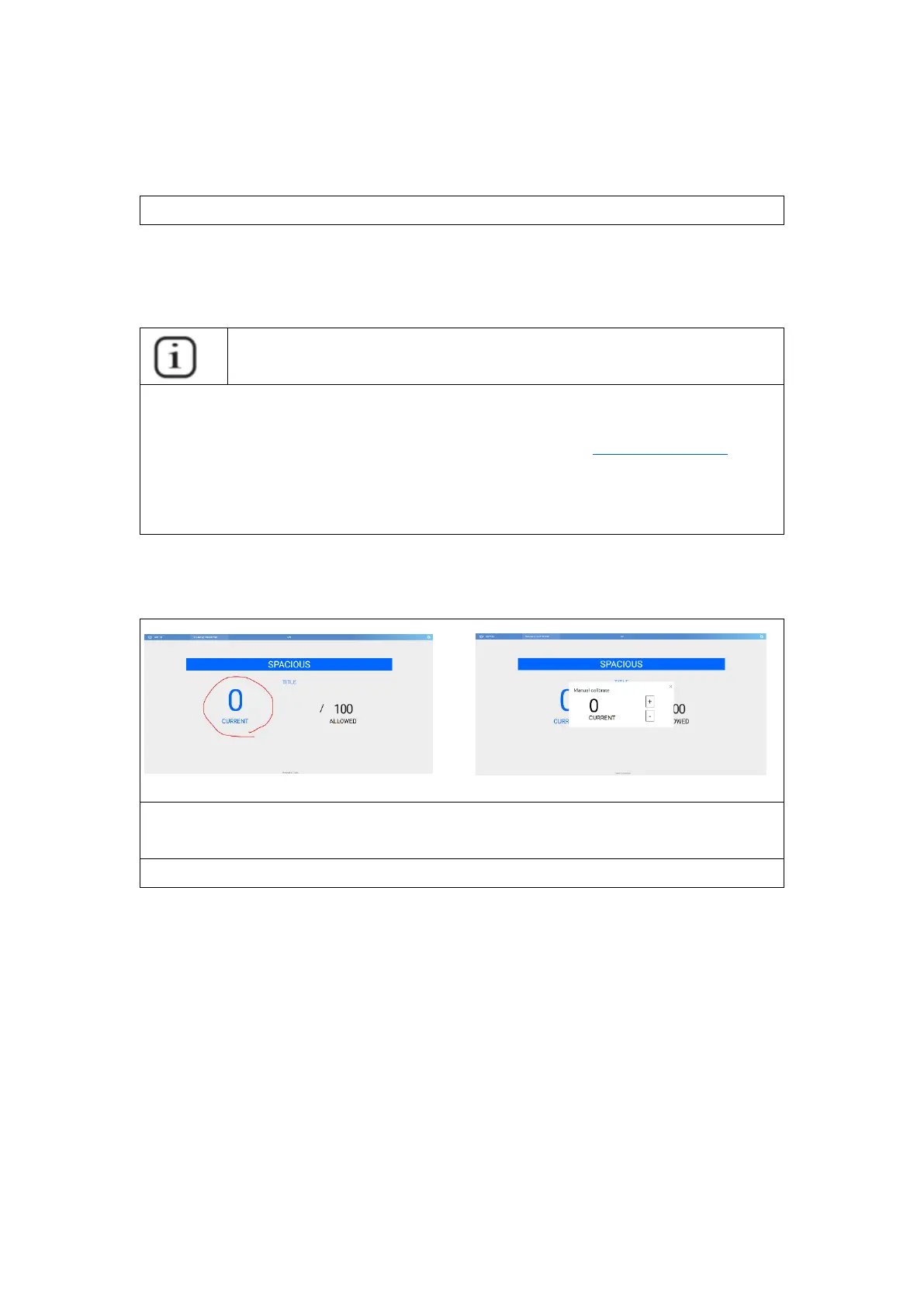
Live View Page Link
http://{OAS_Server_IP}/OAS/www/index.html#/occupancyAlarm/live
User can use a browser to display the occupancy by linking to this live view page
and show in fullscreen.
INFORMATION
If user want to use an Android-based smart device like smart TV or Android TB
box to display the occupancy monitor. User can use the “Dolphin Browserfor
display instead of common Chrome browser since Chrome on Android does
not support “Full-screen display”.
Manual Calibration
Use can “left click the occupancy number on live view to open the “manual
calibrarionpanel. User can calibration the number on the control panel.
Notice: Please refer Ch.6 API table for manual clibration command line.

Other manuals for Delta VIVOTEK SC9133-RTL

Related product manuals