40
Barcode ID settings
All types of barcodes can be identied by a letter.
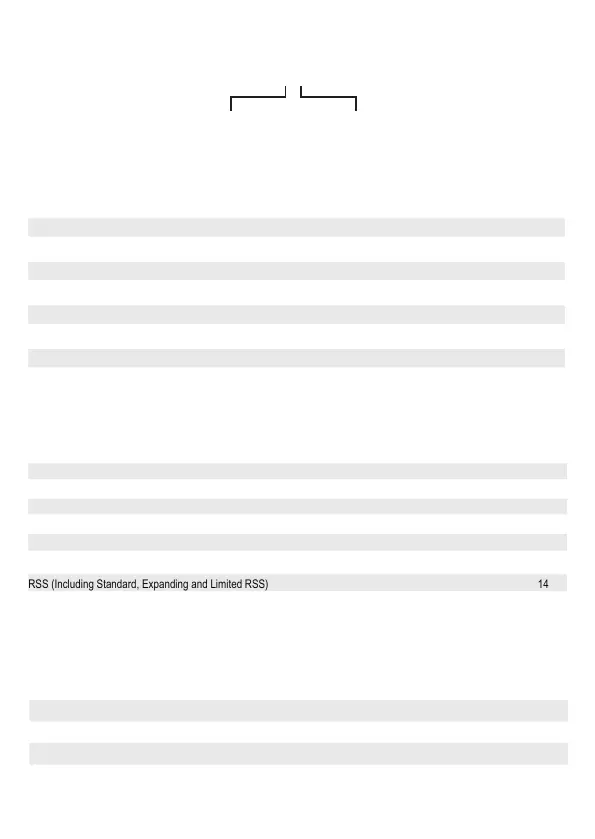
Example barcode: 00ID
“00” in the example barcode is the barcode type. “ID” in the example barcode is the barcode ID. Letters from A to Z and a to z.
Default barcode types matching letters
Specic/global settings
You can edit the barcode before it outputs like add, delete or insert characters in the start or end of barcode, etc.
Specic settings: Edit for specic bar codes
Global Settings: Settings apply to all code types with 00.
If a barcode setting has been set (for example adding a letter before the barcode), both as global and specic. Then the
output will only be according to the specic setting. If there is no specic setting that has been set, then the output will be
according to the global settings. Examples with input barcode: 1234
Global setting Specic setting Output
Add A before Code No A1234
Add A before Code Add B before Code B1234
No No 1234
No Add B before Code B1234
Barcode type Pair
EAN-13 A
EAN-8 B
UPC-E C
CODE128 D
CODE93 E
CODE39 F
Codabar G
Interleaved 25 H
Barcode type Pair
Industrial 25 I
MSI J
CODE11 K
UPC-A L
ISBN M
Standard RSS N
UPC-E1 O
Tropic-39 P
Barcode type Pair
CODE-32 Q
China Post R
Standard 25 S
Matrix-25 T
Limited RSS U
Expanding RSS V
Barcode type Pair
UPC-A 01
EAN-13 02
EAN-8 03
UPC-E 04
Barcode type Pair
CODE39 05
CODE128 06
CODE93 07
Interleaved 25 08
Barcode type Pair
Matrix25 10
Codabar 11
CODE11 13
Other Code 25 (Industrial, Standard and China Post) 09
MSI (including MSI-Plessey) 12
RSS (Including Standard, Expanding and Limited RSS) 14
00ID
barcode type barcode ID


 To Next Page