31
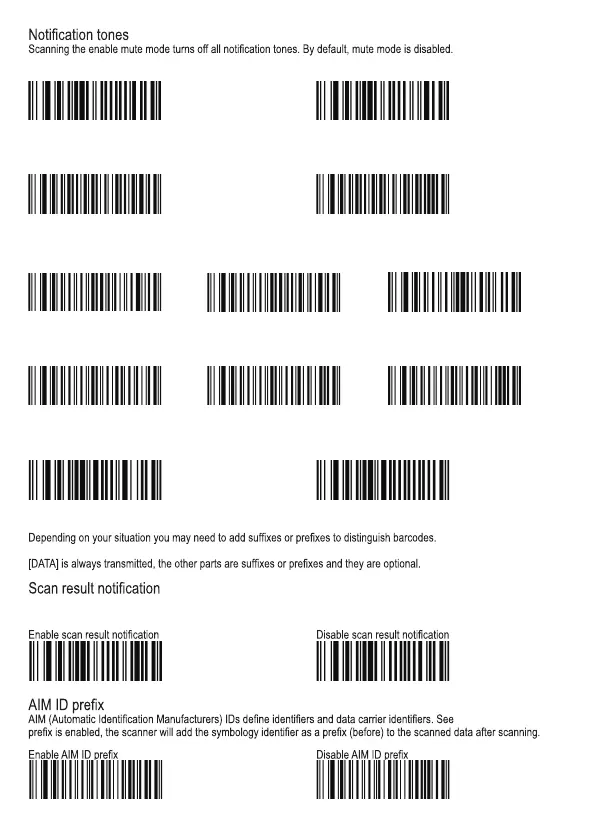
Enable mute mode Disable mute mode
Good scan tone
Good read tones: On Good scan tone: Off
Good scan tone frequency
Low Medium High
Good scan tone duration
40ms 80ms 120ms
Good scan LED
Good scan LED: On Good scan LED: Off
Data formatting
The scanner supports the
following format: [“F”/ “S”] + [Code ID] + [AIM ID] + [DATA] + [terminating character]
When enabled, if a barcode is not successfully scanned, “F” is transmitted; if a scan is successful (“Good scan”), “S” is
appended to the barcode data as the most left character. Note: This function is invalid in USB DATAPIPE MODE.
AIM ID table. If AIM ID
W400000 W400040
W040E04 W040E00
WFF09DA WFF094B WFF0925
WFF0A1F
W800080 W800000
W400240 W400200
WFFD9C0 WFFD9C1
WFF0A3E WFF0A5D



 To Next Page