44
USB HID-KBW
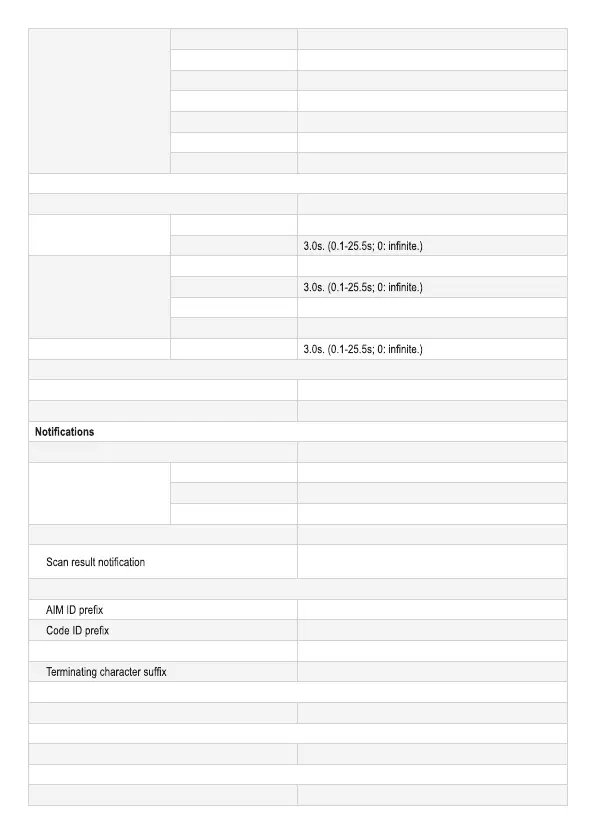
Input mode Standard Keyboard.
Keyboard layout U.S.
Tone on unknown character
Enabled.
Inter-keystroke delay No delay.
Caps Lock Disabled.
Convert Case No conversion.
Emulate Numeric Keypad Disabled.
Scan modes
Default scan mode Manual mode
Continuous mode
Timeout between scans 1.0s. (0-25.5s).
Scanning timeout
Light sense mode
Timeout between scans 1.0s. (0-25.5s).
Scanning timeout
Light sense timeout 0.4s. (0-25.5s).
Light sensitivity Medium.
Host command trigger mode
Scanning timeout
LED & aiming
LED Normal. (Turn on when scanning barcode)
Aiming Normal. (Turn on when scanning barcode.)
Mute mode Disabled.
Good scan tone
Tone on good scan Enabled.
Tone frequency Medium.
Tone duration 80ms (Other options: 40ms and 120ms.)
Good scan LED Enabled.
Disabled. (“S”: Good scan; “F”: No scan. Not applicable to
USB Data pipe.)
Data Formatting
Disabled.
Disabled.
Code ID type Original Code ID.
Disabled (Terminating character options: CR, CRLF, TAB.)
Symbologies
Barcode inverse Disabled. (Applicable to all symbologies.)
Code 128
Code 128 Enabled.
UCC/EAN-128 (GS1-128)
UCC/EAN-128 Enabled.



 To Next Page