16
6IX Manual |
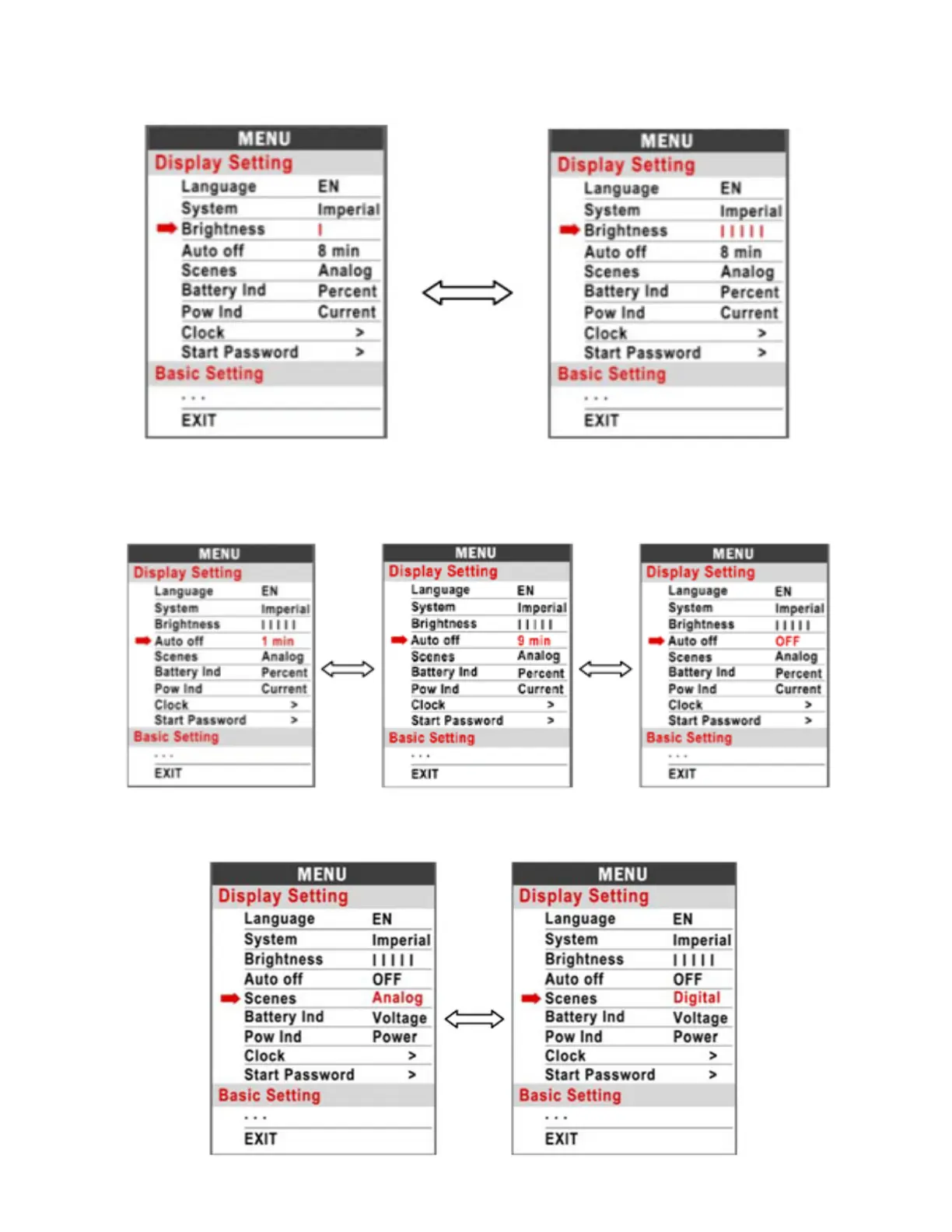
Brightness: Press Up / Down button to change the brightness of the backlight, is
darkness is brightness.
Auto off: Press UP/DOWN button to change the auto power off time, from 1 to 9, the
number represent time (minutes) to shut down, default value is 5 minutes.
Scenes: Press UP/DOWN button to change the scenes, Digital / Analog(default).



 To Next Page