EasyManua.ls Logo

Denali Audio S1008 - User Manual

Denali Audio S1008
9 pages
Print Icon
To Next Page IconTo Next Page
Loading...
1
S1008
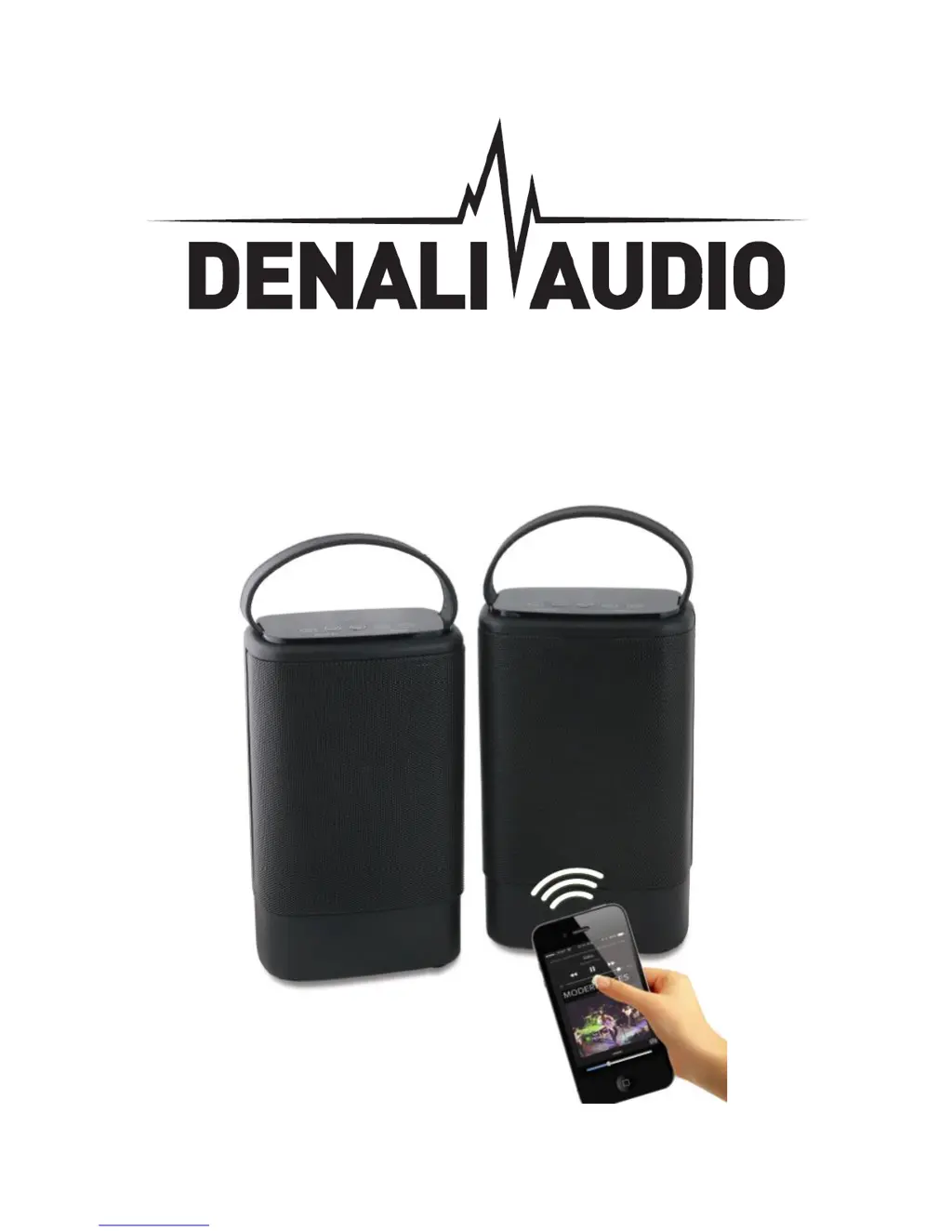
STEREO BLUETOOTH SPEAKER SET

Questions and Answers

  • A
    angela17Aug 1, 2025
    What to do if my Denali Audio S1008 Speakers have no sound?
    • J
      James WuAug 1, 2025
      If your Denali Audio Speakers produce no sound, ensure that both the source (like your tablet, mobile phone, or laptop) and the speaker are turned on. Also, verify that the volume on your source device is appropriately adjusted and that the media is playing, not paused.
  • E
    Emily KimAug 11, 2025
    How to fix low sound levels on Denali Audio S1008?
    • M
      michael69Aug 11, 2025
      If you experience a low sound level from your Denali Audio Speakers, first, check the volume level on your connected device (tablet, mobile phone, laptop, etc.) and increase it if necessary. Also, ensure that the speaker's battery is adequately charged.
  • W
    williamdavisAug 21, 2025
    Why is the sound distorted on my Denali Audio S1008 Speakers?
    • J
      Jesse RussellAug 21, 2025
      If the sound from your Denali Audio Speakers is distorted, the battery may be low. Try charging the battery.

Summary

Getting Started

Package Contents

Key Features

Safety Instructions

Description of Parts

Instructions for Use

Charging the speaker

Guide on how to charge the device using a USB cable.

Turning ON;OFF the Speaker

Instructions on how to power the speaker on and off.

Connect using Bluetooth Technology manually

Steps to pair the speaker with a Bluetooth device.

Talking using the Bluetooth Speaker

Listening to Music Wirelessly

Play music using “Aux-In” Jack

Connecting two speakers and a Bluetooth device for Stereo pairing function

Troubleshooting

Care and maintenance

Limited Warranty

Service and Repair

Denali Audio S1008 Specifications

General IconGeneral
BrandDenali Audio
ModelS1008
CategorySpeakers
LanguageEnglish

Related product manuals