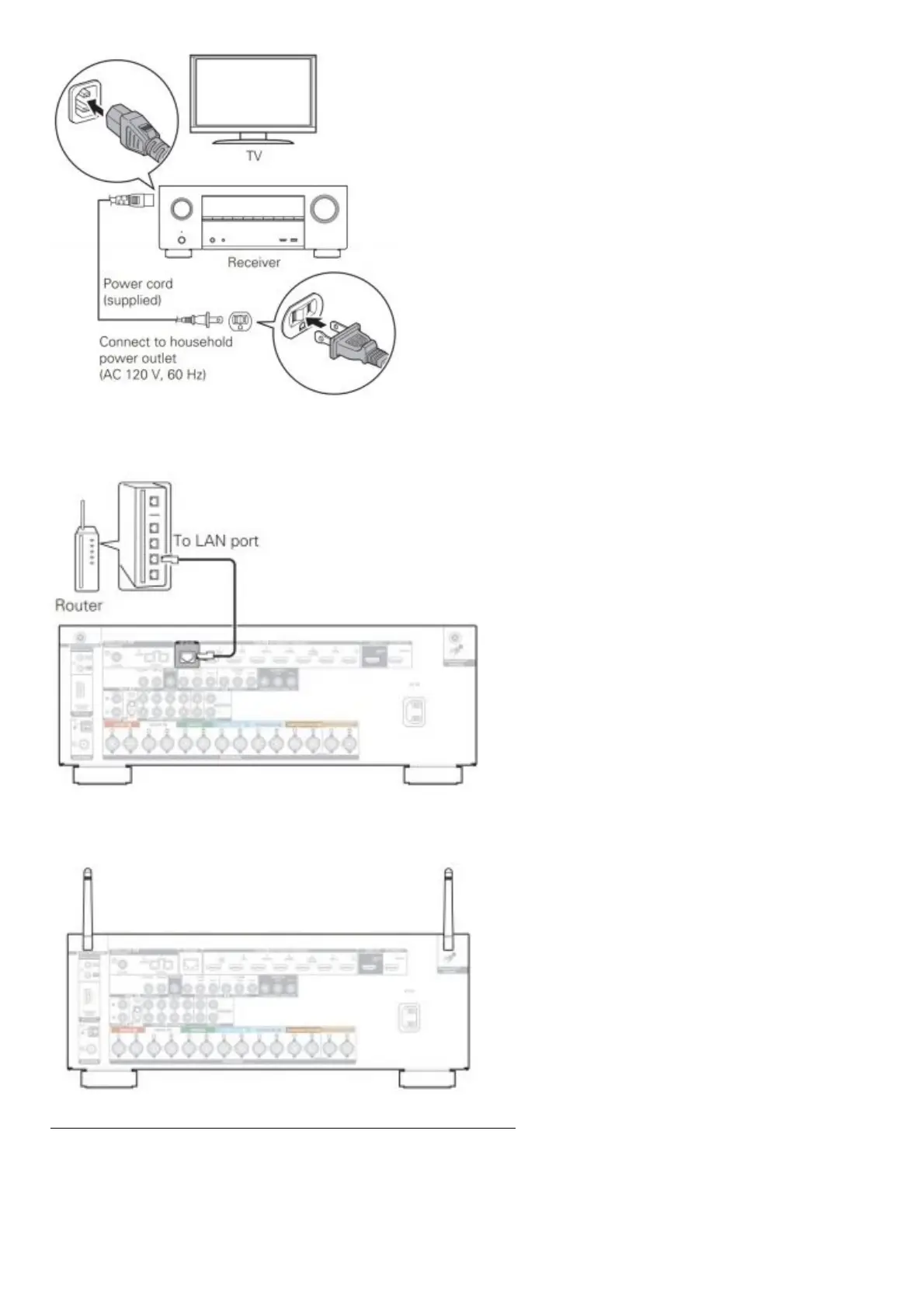
2) Connect the receiver to your home network
Wired LAN
Connect an Ethernet cable (not included) between your receiver and your network router.
Wireless LAN
When connecting to wireless LAN (Wi-Fi), follow the instructions in “Connecting the external antennas for Bluetooth / Wireless
connectivity” and connect the antennas.
3) Connect the receiver to your TV with an HDMI cable HDMI IN (ARC)


 To Next Page
 Loading...